Convert PNG images to JPG in your browser, one file or 30 at once. Choose the JPG quality and the color that fills transparent areas, then download each JPG or a single ZIP.
Conversion runs in your browser with the HTML canvas. Nothing is uploaded to any server.
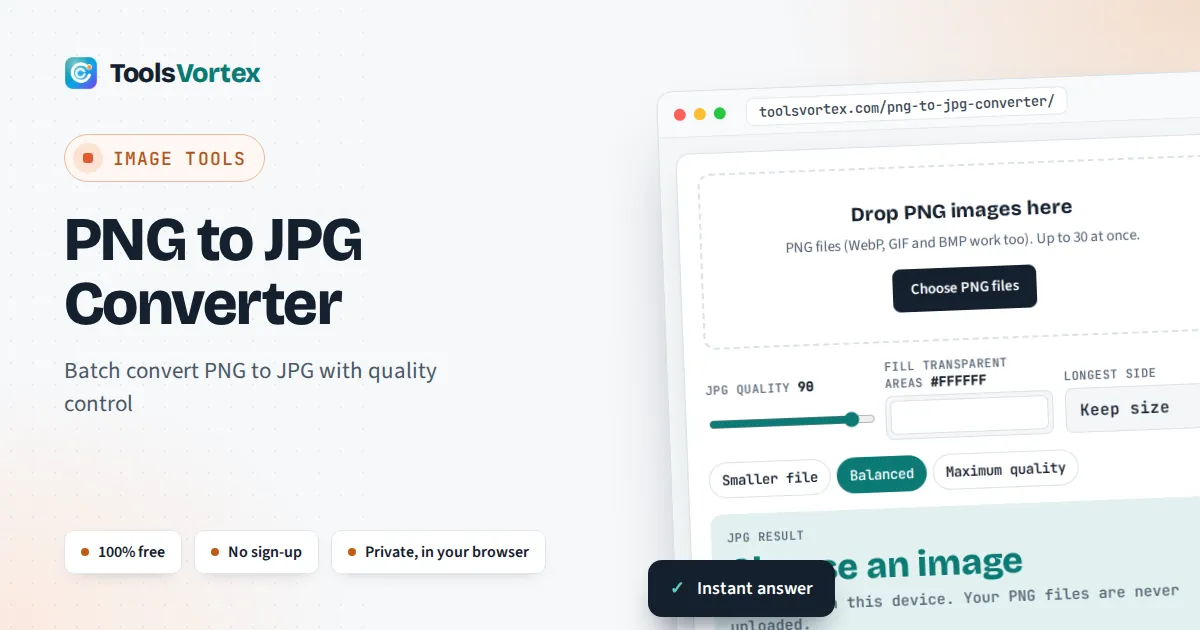
This PNG to JPG converter turns PNG images into JPG files for anyone who needs a smaller photo for email, a website or an upload form that only accepts JPG. You choose the quality and the color that replaces any transparent areas, and you see the exact size of every JPG before you download it, including the rare cases where keeping the PNG would be the better choice.
How Do I Convert PNG to JPG?
Add the file to a PNG to JPG converter, choose a quality of about 85 to 95 and a fill color for any transparent areas, then download the JPG. Photos shrink a lot: a 773 KB NASA portrait PNG became a 65 KB JPG at quality 90 in our test. Flat graphics and logos can grow instead.
How Does PNG to JPG Conversion Work?
The converter draws each PNG onto an HTML canvas that has first been filled with your chosen color, then saves the canvas as a JPG at the quality you set. Because JPG has no alpha channel, every pixel is blended with the fill color using standard alpha compositing:
alpha runs from 0 (fully transparent) to 1 (fully opaque)
Take a black pixel (0) that is 50% transparent on the default white fill (255): 0.5 × 0 + 0.5 × 255 = 127.5, so it becomes a mid grey of about 128. A fully transparent pixel becomes pure fill color, and a fully opaque one keeps its own color. That is why soft shadows and anti-aliased edges look natural on the fill color you pick, and why choosing your page’s real background color avoids a pale halo around cut out logos.
How Much Smaller Is a JPG Than a PNG?
For photos, a JPG at quality 90 is typically 85% to 92% smaller than the PNG, while for flat graphics the JPG can be larger. These are real results from this converter in Chrome, using public domain test images:
| Image | Pixels | PNG | JPG quality 90 | JPG quality 75 |
|---|---|---|---|---|
| NASA astronaut portrait | 512 × 512 | 773 KB | 65 KB (−92%) | 39 KB (−95%) |
| Cup of coffee photo | 600 × 400 | 456 KB | 70 KB (−85%) | 40 KB (−91%) |
| Cat photo | 451 × 300 | 235 KB | 34 KB (−86%) | 20 KB (−91%) |
| Scanned page of text | 448 × 172 | 42 KB | 20 KB (−51%) | 12 KB (−72%) |
| Flat transparent logo | 600 × 400 | 3.0 KB | 11 KB (3.5× larger) | 7.9 KB (2.6× larger) |
Worked example: the NASA portrait at three qualities
The official NASA portrait of astronaut Eileen Collins is a 512 × 512 PNG of 773 KB. At quality 100 the JPG is 326 KB (58% smaller), at quality 90 it is 65 KB (92% smaller) and at quality 75 it is 39 KB (95% smaller). Going from 100 to 90 cuts the file by four fifths, while the visible change is tiny, which is why 90 is the default here. If the JPG still needs to fit a strict limit, finish with our resize image to 50KB or resize image to 100KB tools.
What Happens to a Transparent Background When You Convert PNG to JPG?
The transparent background is replaced by a solid color, white unless you choose another. The tool checks every PNG for transparency and tells you which files were filled, so you will not be surprised by a white box around a logo. If the image will sit on a dark website or slide, set the fill to that background color first. If you need the transparency itself, keep the PNG: no JPG can store it.
Which JPG Quality Should You Use for Screenshots and Text?
Use quality 90 or higher for screenshots, documents and anything with small text, or keep them as PNG. JPG compresses in small blocks and smooths sharp contrast, so letters can pick up faint halos at lower settings. In our scanned page test, quality 90 roughly halved the file, but quality 100 made the JPG about 15% larger than the PNG. For a screenshot that is simply too wide, setting a longest side of 1280 or 1920 px often saves more than lowering the quality. To keep the right proportions for a slide or banner, check the target size with our aspect ratio calculator.
Do UK Visa and Passport Uploads Accept PNG?
A UK visa photo must be a JPG. According to GOV.UK, the digital photo must be a jpg or jpeg file of at least 600 pixels wide and 750 pixels tall, between 50KB and 6MB, and not altered by computer software or filters. If your photo was saved as PNG, convert it at quality 90 or above with the longest side left at Keep size, and do not crop, retouch or filter it. Many UK, Irish and EU application portals list their accepted formats next to the upload button, so check that before converting.
How Do You Use the PNG to JPG Converter?
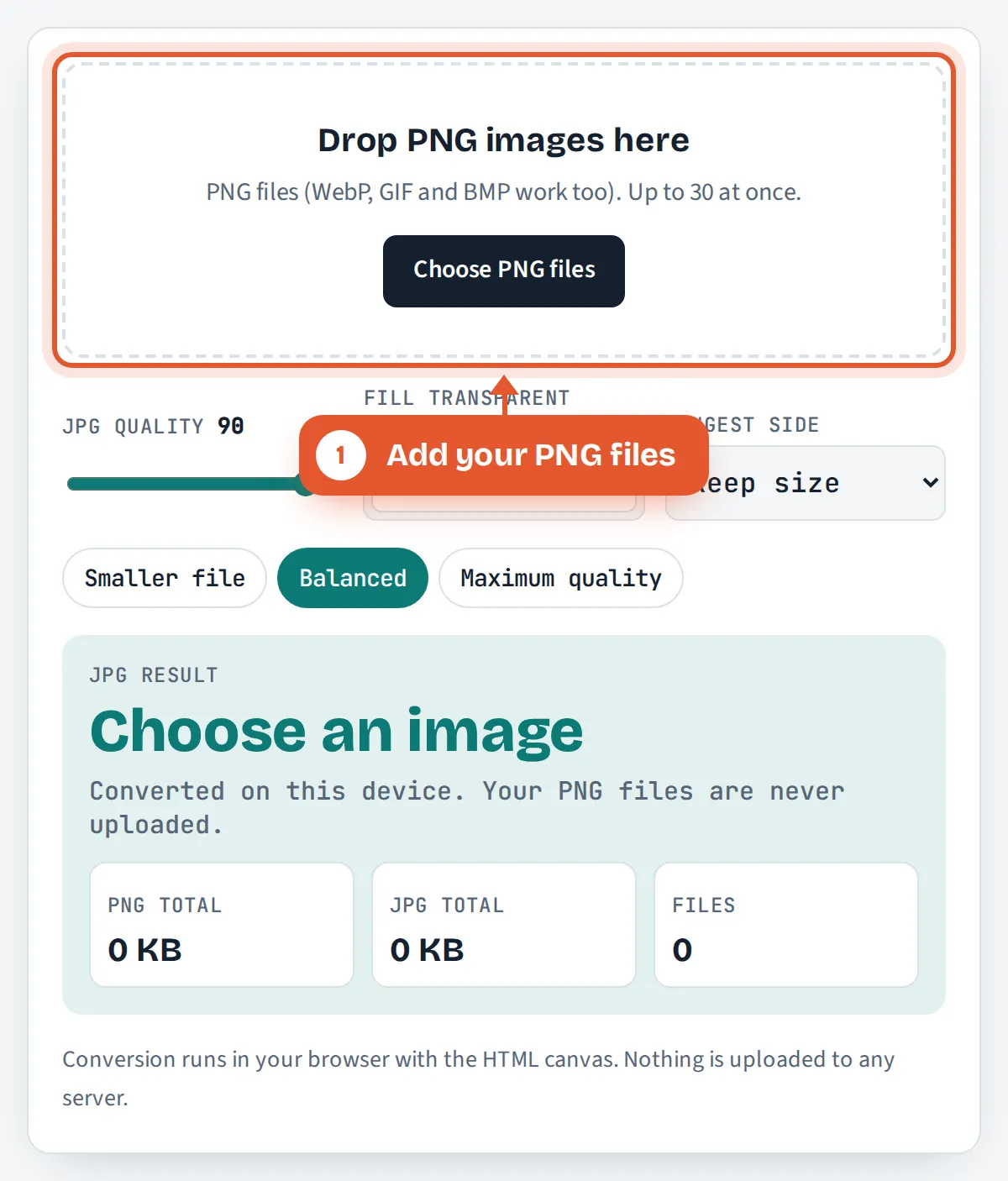
Add your PNG files
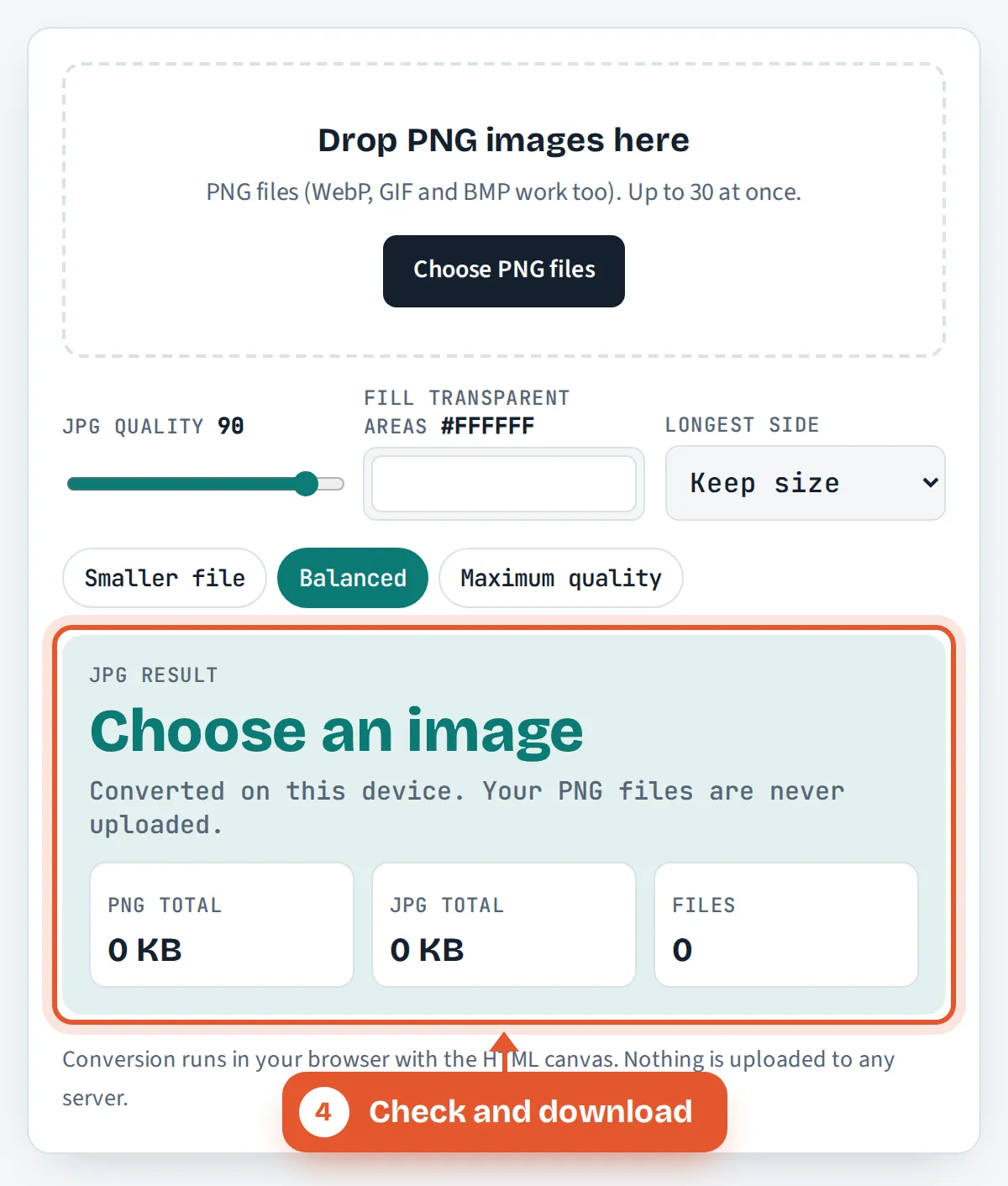
Drop up to 30 PNG images on the box, tap Choose PNG files, or paste a screenshot straight from your clipboard.

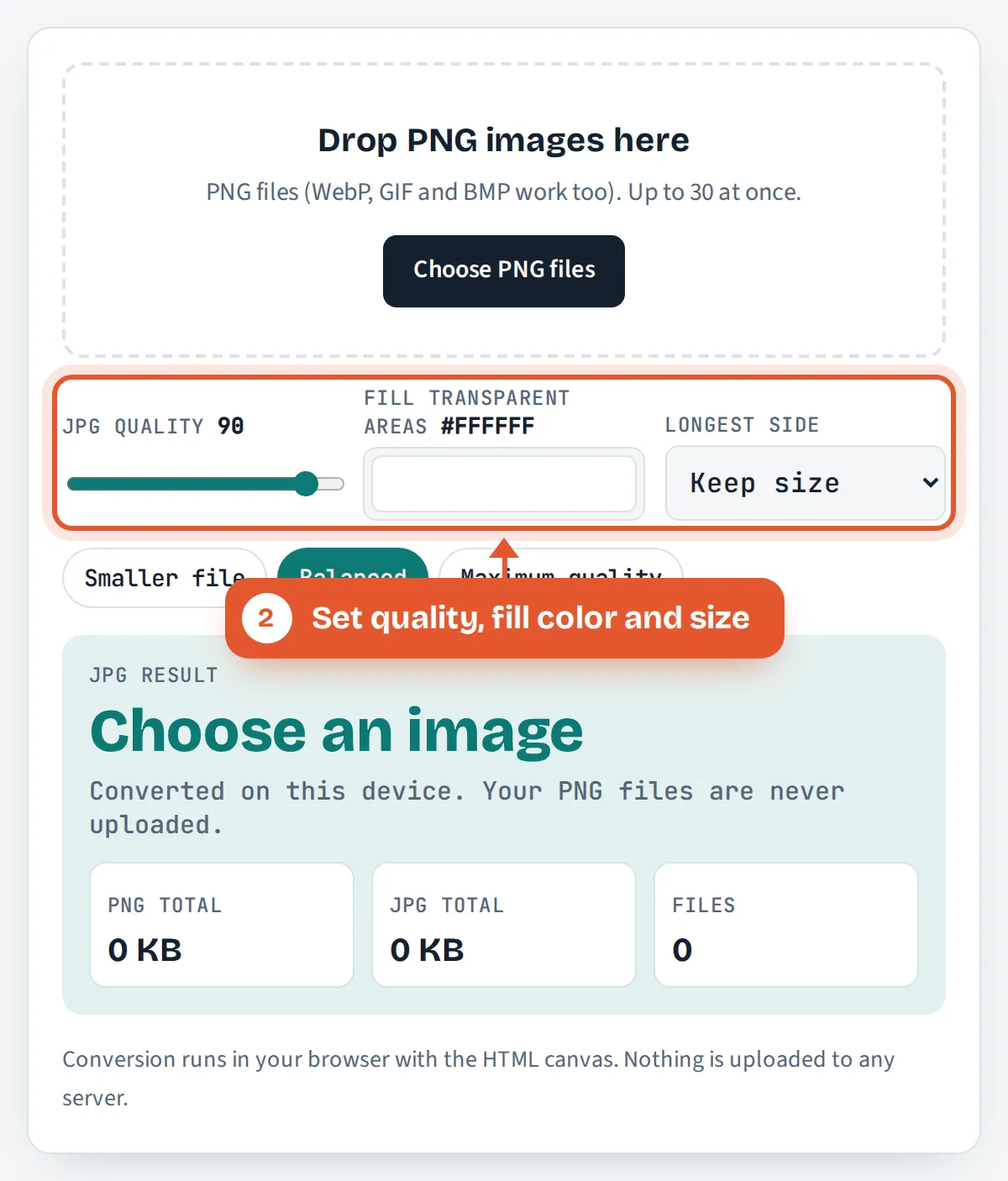
Set quality, fill color and size
Move the JPG quality slider, pick the color for transparent areas and choose a longest side if the images are larger than you need.
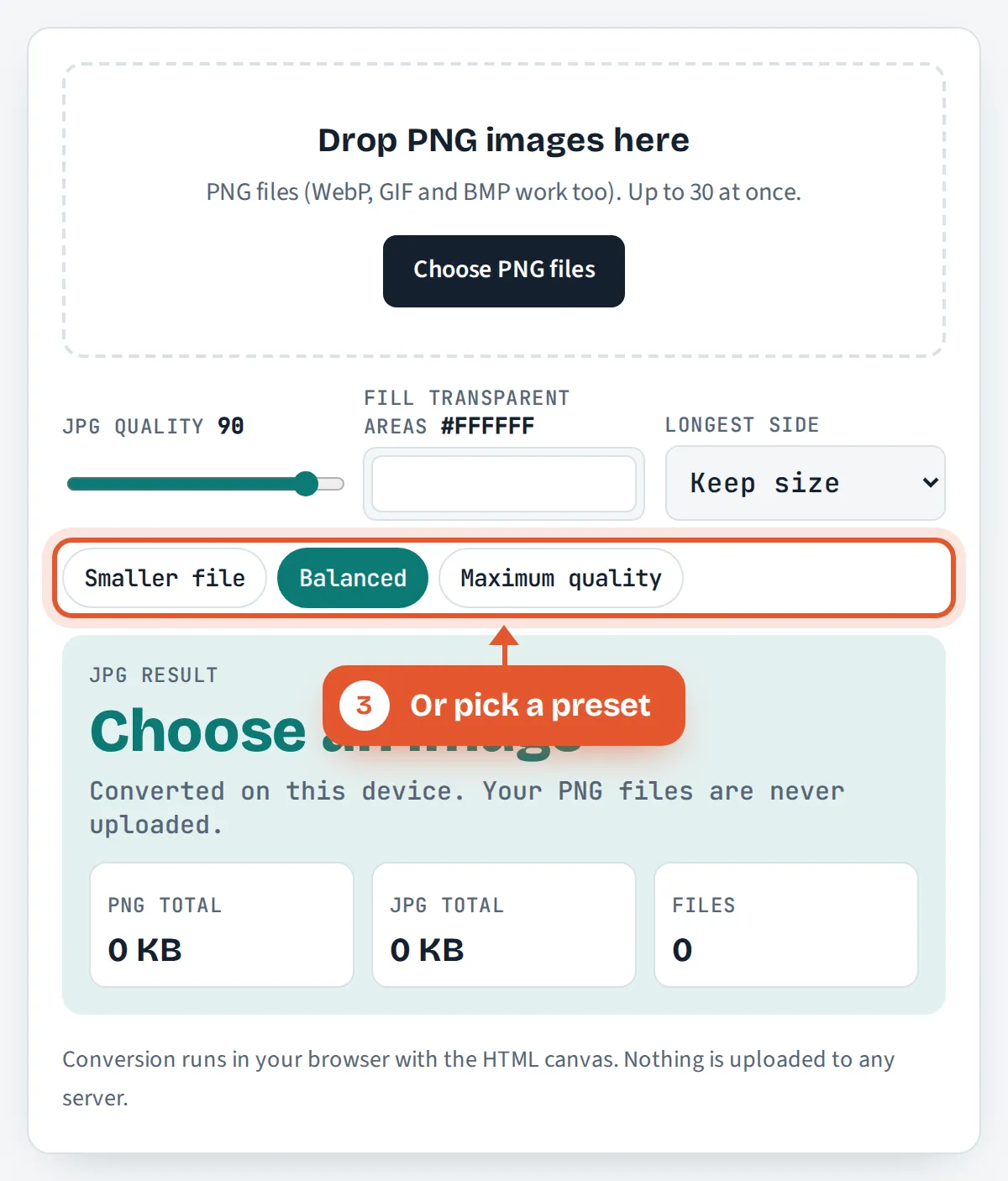
Or pick a preset
Smaller file sets quality 75, Balanced sets 90 and Maximum quality sets 100. Files are converted again as soon as a setting changes.
Check and download
See the total saving and each file’s PNG and JPG size, then download one JPG or all of them in a single ZIP.
Frequently Asked Questions
Is this PNG to JPG converter free and private?
Yes. It is free with no sign up or watermark, and it converts up to 30 files per batch. Everything happens inside your browser with the HTML canvas, so your PNG files are never uploaded to ToolsVortex or any other server.
Does converting PNG to JPG reduce quality?
Yes, slightly, because JPG is a lossy format. At quality 90 or above the difference is very hard to see in photos, but sharp text and thin lines can show faint smudges. Keep the original PNG in case you need a perfect copy later.
What happens to a transparent background when I convert PNG to JPG?
JPG cannot store transparency, so every transparent or partly transparent pixel is blended onto a solid color. The tool uses white by default, and you can pick any other color, such as your website’s background, before you download.
Why is my JPG bigger than the PNG?
Graphics with a few flat colors, such as logos, icons and simple charts, compress extremely well as PNG, and JPG cannot match that. In our test a 3.0 KB transparent logo became an 11 KB JPG. Keep PNG for files like this.
What JPG quality should I use?
Use 85 to 95 for photos you want to look their best, 75 to 85 for web pages and email, and 90 or more for screenshots with text. Below about 60, blocky patches and halos around edges become easy to spot.
Can I convert many PNG files to JPG at once?
Yes. Select or drop up to 30 PNG files together. They are converted one after another with the same settings, each shows its own before and after size, and you can download them individually or all together in one ZIP file.
Sources and Further Reading
- Portable Network Graphics (PNG) Specification, Third Edition, W3C
- JPEG, Wikipedia
- Take a photo of your face for a visa application, GOV.UK
Related Tools
Last reviewed: October 2026