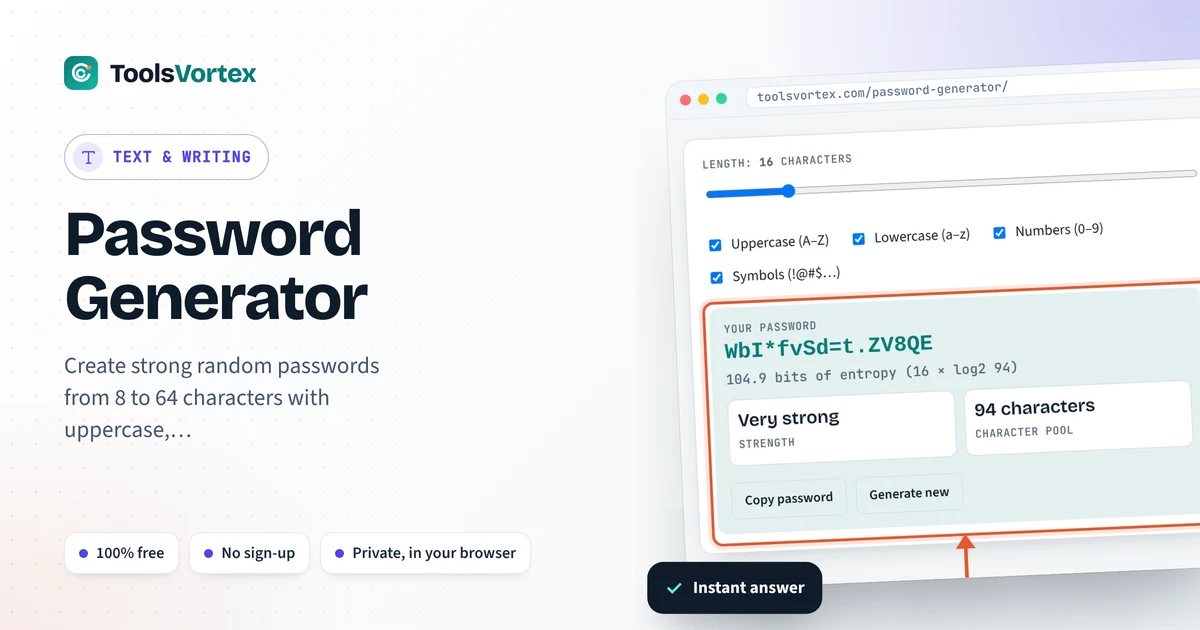
Make a strong random password from 8 to 64 characters. Choose which characters to allow and see how strong it is, in bits.

A password generator exists because people are hopeless at random. Me included. We grab the dog’s name, a birth year, swap an o for a 0, slap a ! on the end, and feel clever. Attackers have guess lists built from exactly those habits. This thing doesn’t think like a person, which is the point. Every character comes from crypto.getRandomValues, the secure random source already sitting in your browser, so there’s no pattern to find. Slide the length. Tick some boxes. Copy. Then paste it into your password manager before you forget it’s still on the clipboard.
How long should a strong password be?
Sixteen random characters or more for anything you’d hate to lose, like email or your bank. With a password generator pulling from all 94 letters, digits and symbols, 16 characters works out to 16 × log2(94), about 105 bits of entropy. Nobody’s brute-forcing that. Drop to 12 characters, letters and digits only, and you’re near 71 bits. Still okay. Thinner cushion, though.
How strength gets measured
Pool: 26 uppercase + 26 lowercase + 10 digits + 32 symbols = 94
Every extra bit doubles the guesses an attacker needs. Simple. The catch? That math only works for truly random passwords like the ones made here. A long line from your favorite movie looks great on paper and falls over fast.
Entropy by length
| Length | Letters only (52) | Letters + digits (62) | All 94 characters |
|---|---|---|---|
| 8 | 45.6 bits | 47.6 bits | 52.4 bits |
| 12 | 68.4 bits | 71.5 bits | 78.7 bits |
| 16 | 91.2 bits | 95.3 bits | 104.9 bits |
| 20 | 114.0 bits | 119.1 bits | 131.1 bits |
How I label things: under 50 bits is weak, 50 to 69 fair, 70 to 99 strong, 100 and up very strong. And look at the table, length beats symbols. Twenty plain letters still outscore sixteen characters with every box ticked. Surprised me the first time.
Random password or passphrase?
| Type | Entropy | Good for |
|---|---|---|
| 12 characters, letters + digits | 71.5 bits | Low-stakes accounts |
| 6 random words (7,776-word Diceware list) | 77.5 bits | Things you have to type by hand |
| 7 random words (Diceware) | 90.5 bits | A password manager master password |
| 16 characters, all 94 | 104.9 bits | Email, banking, anything stored in a manager |
Passphrases win when you have to type the thing on a TV remote, or read it out to your mom over the phone. But they only count as random if dice or software picked the words. Words you pick yourself? Way more guessable than they feel.
What NIST actually says
NIST’s digital identity guidelines (SP 800-63B) care more about length than forced complexity. Sites are supposed to accept at least 64 characters. And no, you shouldn’t be forced to change passwords every 90 days unless there’s a sign one leaked. Translation: one long, random, unique password per account, and a password manager so you don’t have to remember any of them.
How to use the Password Generator
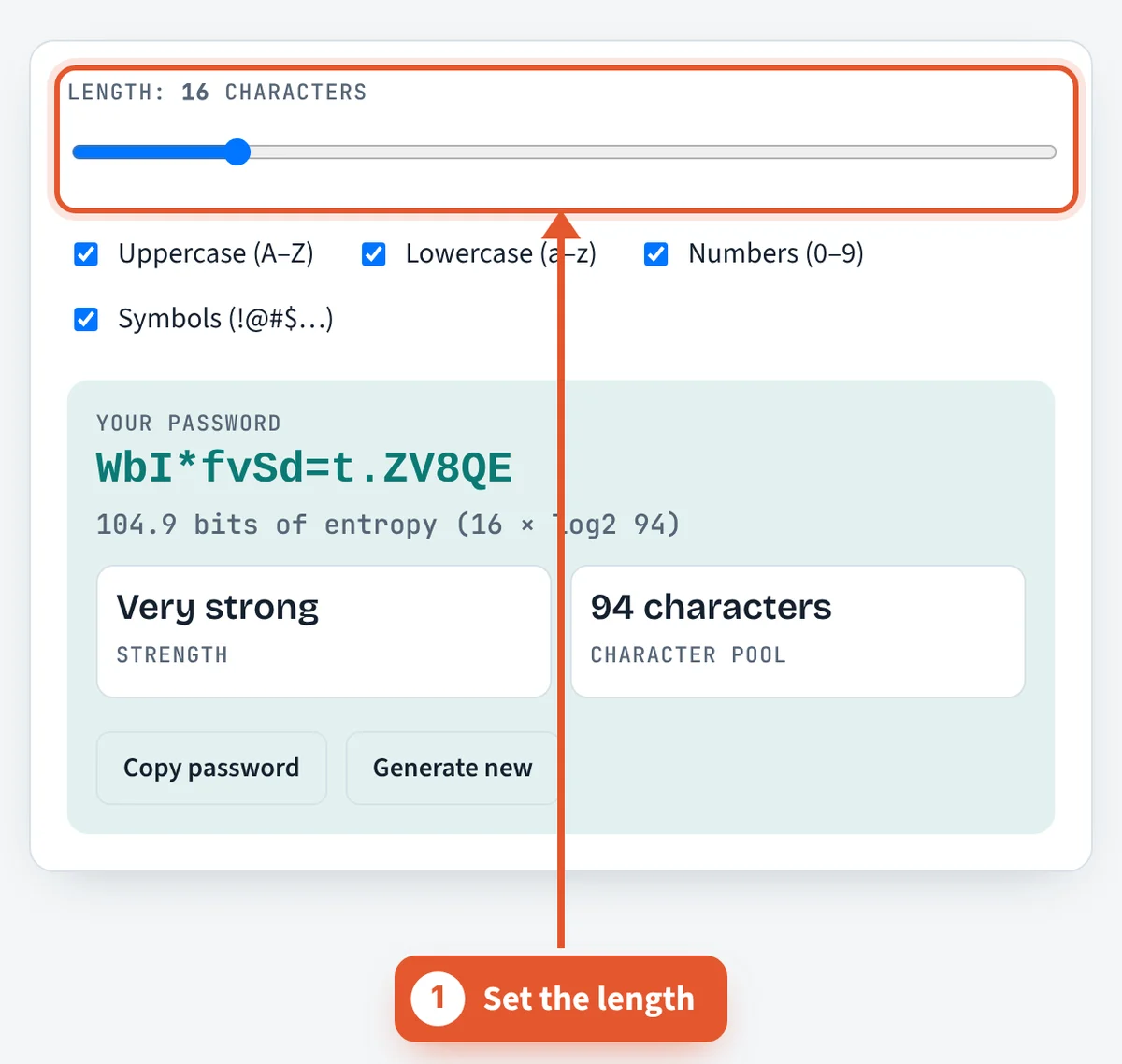
Set the length
Drag the slider, anywhere from 8 to 64. I start at 16.

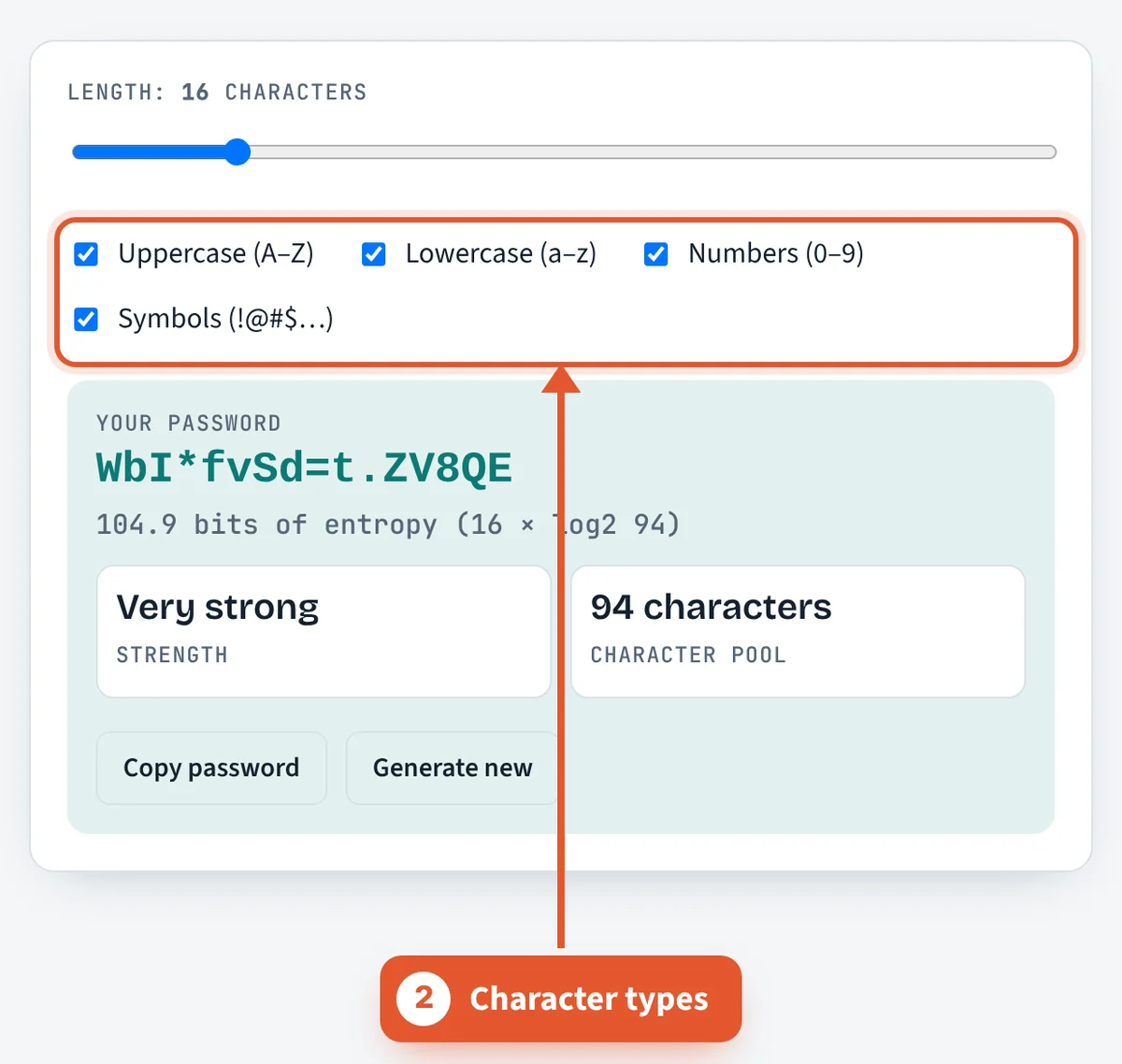
Pick character types
Uppercase, lowercase, numbers, symbols. Site won’t take symbols? Untick that box and add a few characters instead.
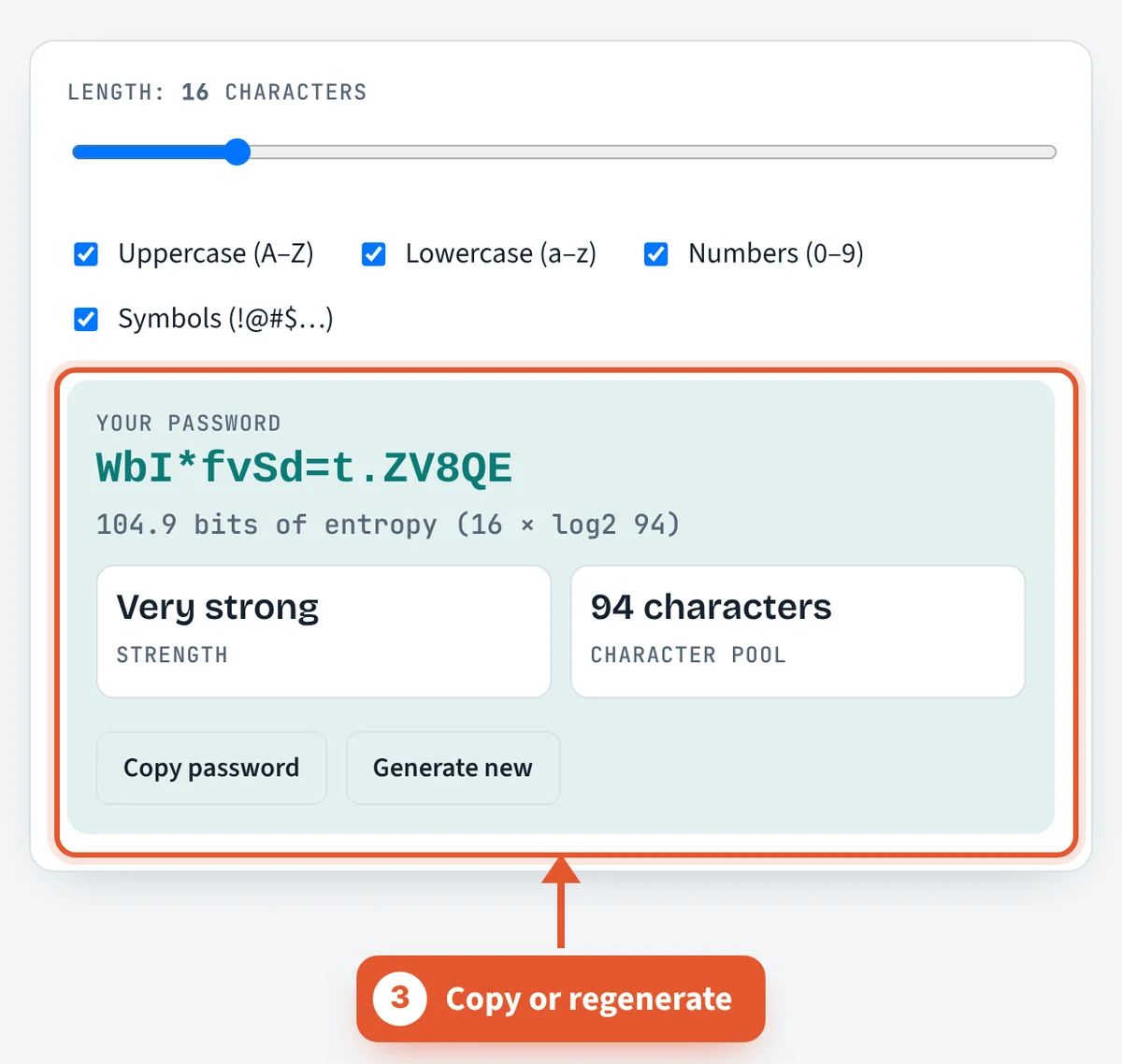
Copy it, or roll again
Copy to clipboard, or hit “Generate new” until you get one you like the look of. Strength in bits sits right under it.
How do websites store my password, and why does it matter?
A well-run service never stores your actual password. It stores a hash, the output of a one-way function, and checks your login by hashing what you type and comparing the results. A unique random salt is added to each password before hashing, so two people with the same password get different hashes and precomputed rainbow tables stop working.
The hash function matters. Fast hashes like SHA-256 are built for speed, which lets attackers with GPUs test billions of guesses per second against a stolen database. Password hashing algorithms are deliberately slow and memory hungry:
- Argon2 won the Password Hashing Competition in 2015. The OWASP Password Storage Cheat Sheet recommends the Argon2id variant first.
- scrypt and bcrypt are older but still acceptable choices.
- PBKDF2 is used where FIPS 140 compliance is required.
You cannot see which method a site uses, so assume any breach could expose your password to offline guessing. A long random password survives that; a reused one does not. If a site caps length, check how much room you have with the character counter.
Should I use a password manager or switch to passkeys?
Random passwords only work if you never reuse them, and nobody can remember dozens of them. A password manager stores each one in an encrypted vault opened with a single strong master password, and fills it only on the matching site, which also helps you spot phishing pages.
Passkeys go a step further. They are built on the FIDO2 standards from the FIDO Alliance, including the W3C Web Authentication (WebAuthn) specification. Instead of a shared secret, your device creates a public and private key pair for each site. The site keeps only the public key, so a server breach leaks nothing an attacker can log in with, and the private key never leaves your device. Because a passkey is tied to the real domain, a lookalike phishing site cannot use it.
Most people end up with both: passkeys where a site offers them, and a password manager with generated passwords everywhere else. Turn on multi-factor authentication for email and banking, since those accounts can reset everything else. For PINs or lottery-style picks, the random number generator gives unbiased digits.
Frequently asked questions
Is this password generator safe to use?
Yes. Passwords get made right in your browser with crypto.getRandomValues. Never sent, never saved, never logged. Close the tab and poof.
What is password entropy?
Think of it as how many guesses a random password would take, written as a power of two. So 80 bits is about 2 to the 80th possible passwords. A silly big number.
How long would it take to crack a 16-character password?
Pretend an attacker can test a trillion guesses a second, which is a lot. Going through every 80-bit password would still take around 38,000 years. A 16-character one from all 94 characters sits near 105 bits, which pushes it past a trillion years.
Is a passphrase better than a random password?
Not stronger. Just friendlier. Six random Diceware words give you about 77.5 bits, a hair under 12 random characters with symbols. Use one where you’ll be typing it by hand a lot.
Do I need symbols?
They help per character, sure. Length helps more. If a site refuses symbols, go a few characters longer and stop worrying.
Can I use one strong password everywhere?
Please don’t. One site leaks it and attackers try it on every other site by lunchtime. Each account gets its own, and a password manager keeps track.
Does every password include each character type I picked?
Yep. The generator keeps drawing until at least one character from every ticked type shows up.
Sources and further reading
Related tools
Last reviewed: October 2026