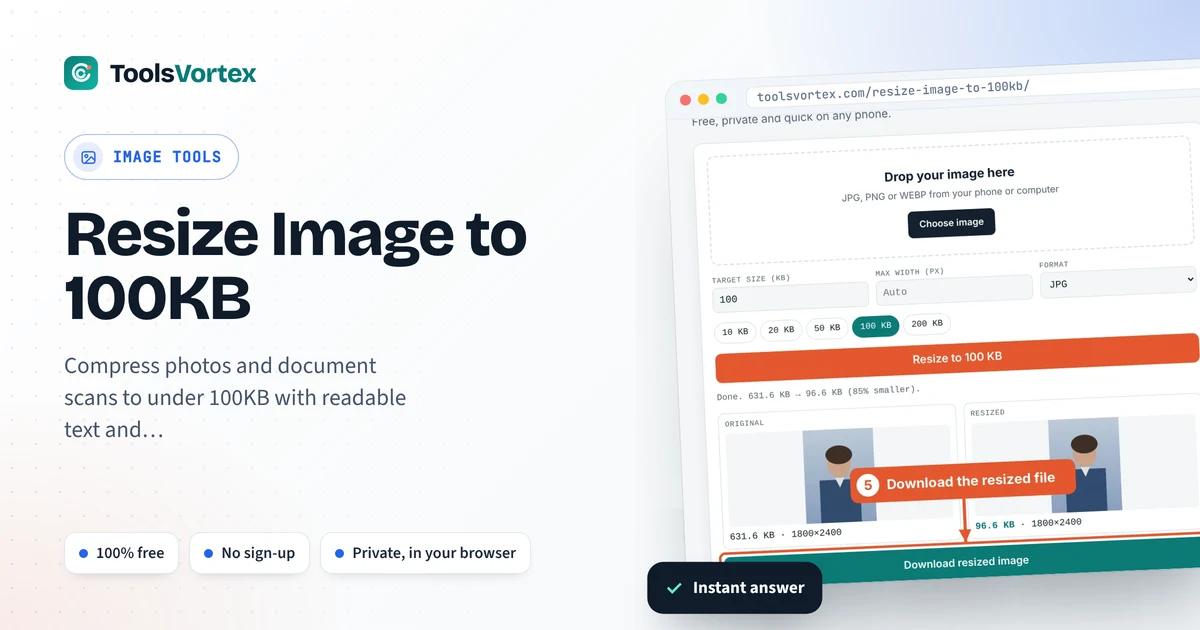
Compress photos and document scans to under 100KB with readable text and clean edges. Free, private and quick on any phone.
Everything happens inside your browser. Nothing is uploaded to any server.

A 100KB limit usually comes up when you have to upload a document rather than a face: an ID card, a mark sheet, a fee challan or a certificate. Text needs more detail than a portrait, so it pays to resize carefully. This tool keeps the width as large as the 100KB budget allows, which is what keeps small print readable.
How can I resize a document image to 100KB?
Choose the scan or photo in the tool above, keep the target at 100 KB and press Resize. For documents, set Max width to around 1000 px first so the text stays crisp. Download the result and check that you can still read the smallest line.
Photo vs document: what changes at 100KB
A portrait can lose fine detail and still look fine. A document can’t, because small letters turn into smudges once the pixels get too few. That’s why, for scans, it’s better to keep a decent width and let the tool lower JPG quality first. Around 1000 px wide is usually enough for an A4 page to stay readable on screen.
Suggested settings for common uploads
| Upload | Max width | Format |
|---|---|---|
| ID card (front or back) | 800–1000 px | JPG |
| A4 certificate or mark sheet | 1000–1200 px | JPG |
| Fee challan or receipt | 900 px | JPG |
| Clear portrait photo | 600 px | JPG |
How to use the 100KB image resizer
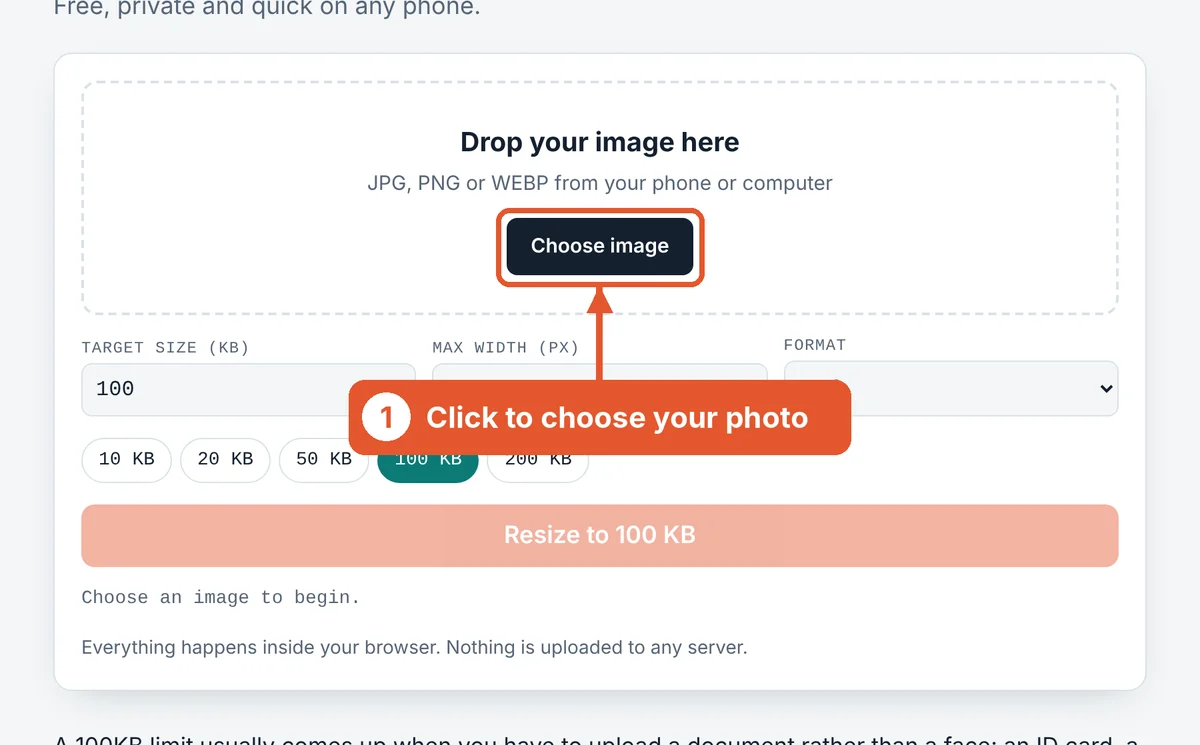
Choose your image
Click Choose image or drag the file into the dashed box. On a phone you can pick straight from your gallery or take a new photo.
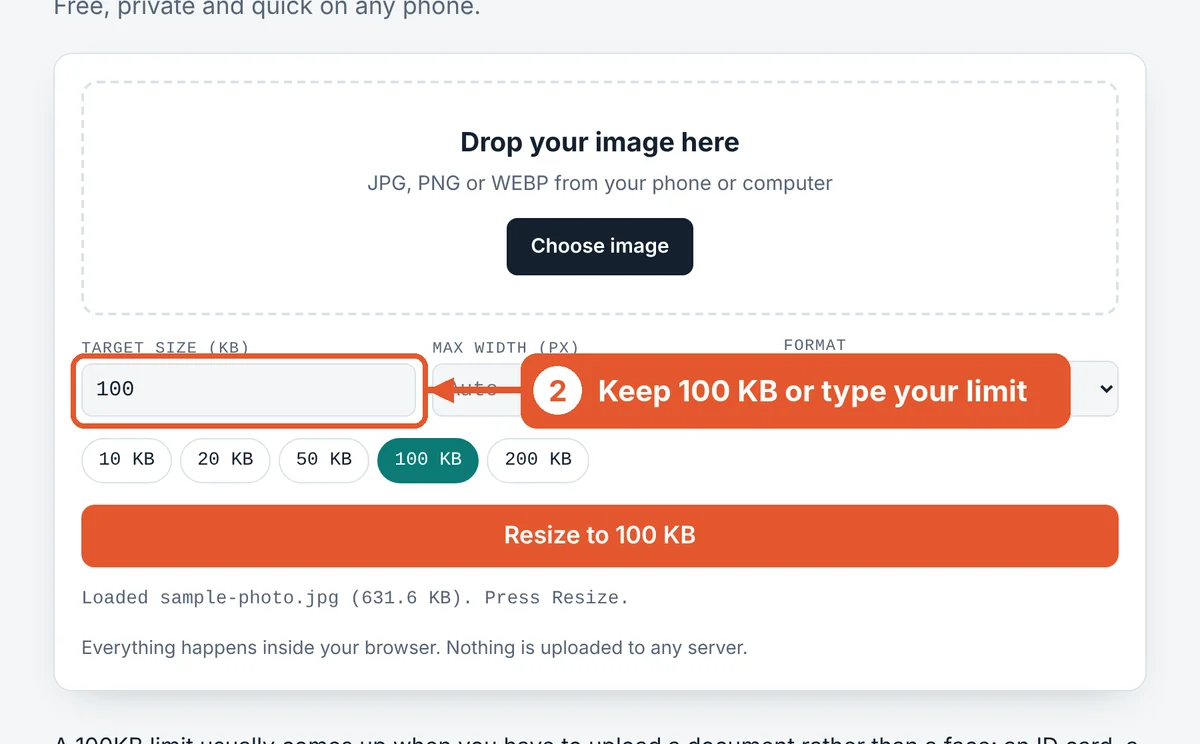
Check the target size
The target is already set to 100 KB. Tap a different chip or type your own number if your form asks for something else.
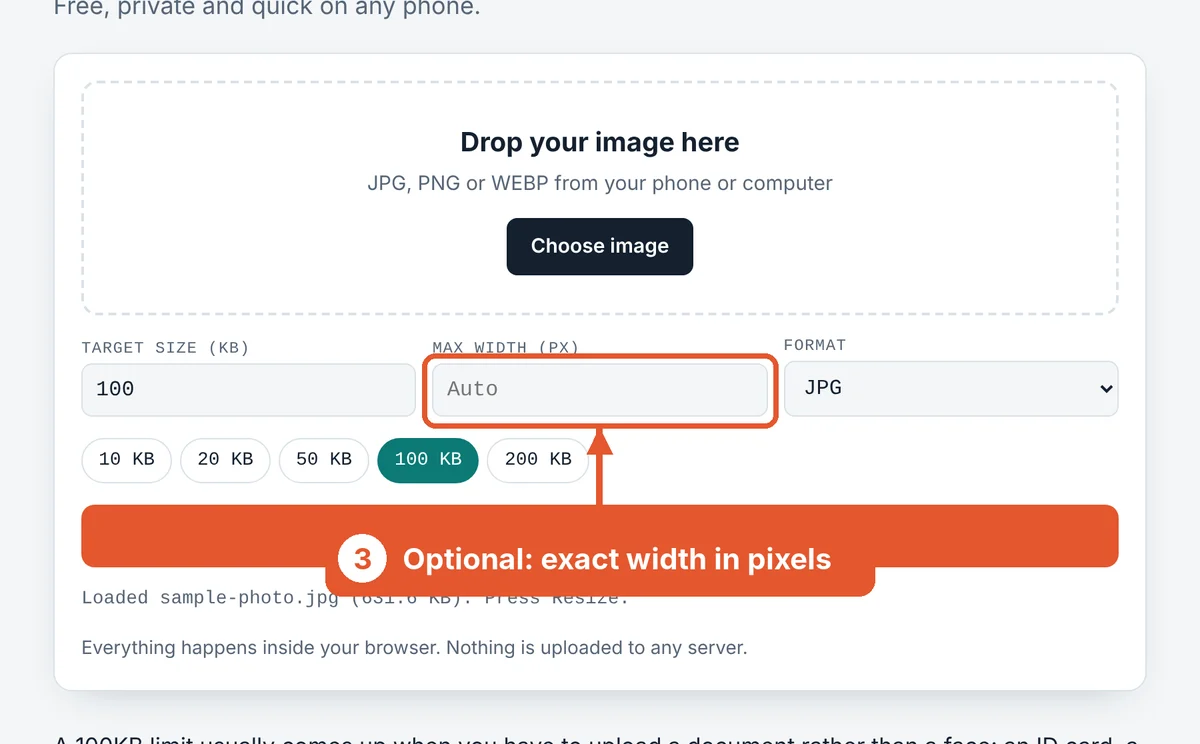
Set a width if the form asks for one
For documents, type a width such as 1000. A bigger width keeps letters sharp, while the tool trims quality to stay under 100KB.
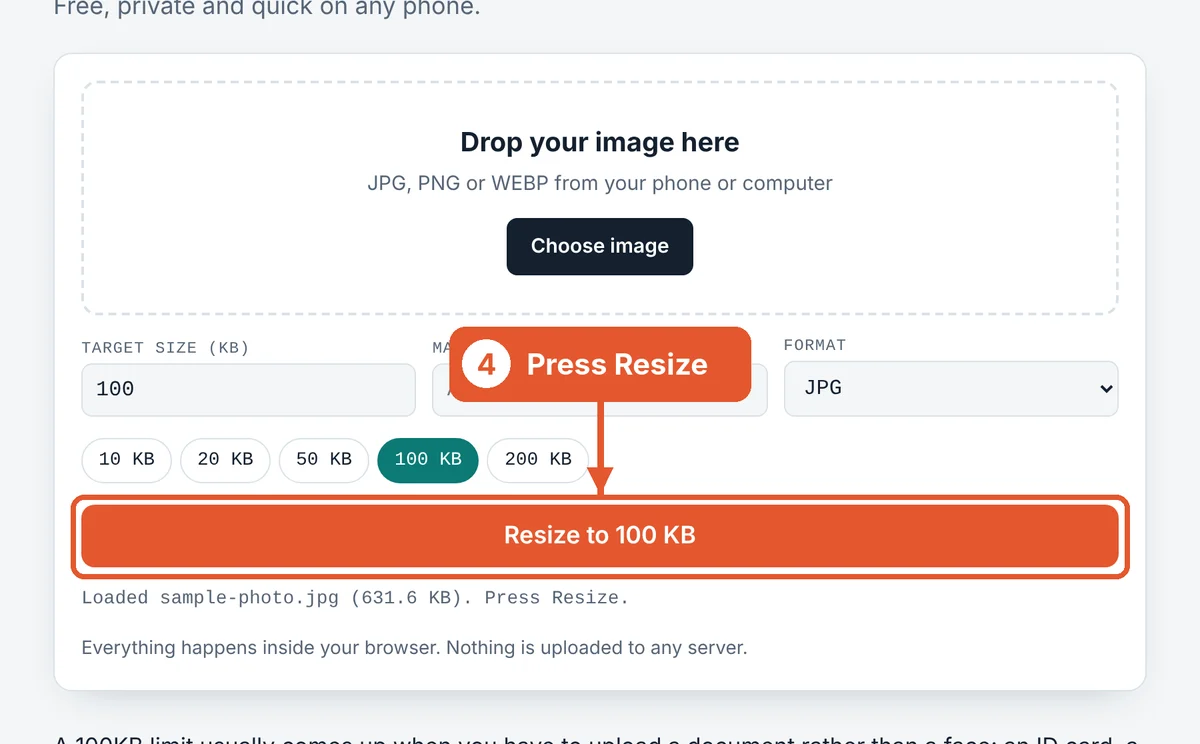
Press Resize
Hit the orange Resize to 100 KB button. Large phone photos usually finish in a second or two.
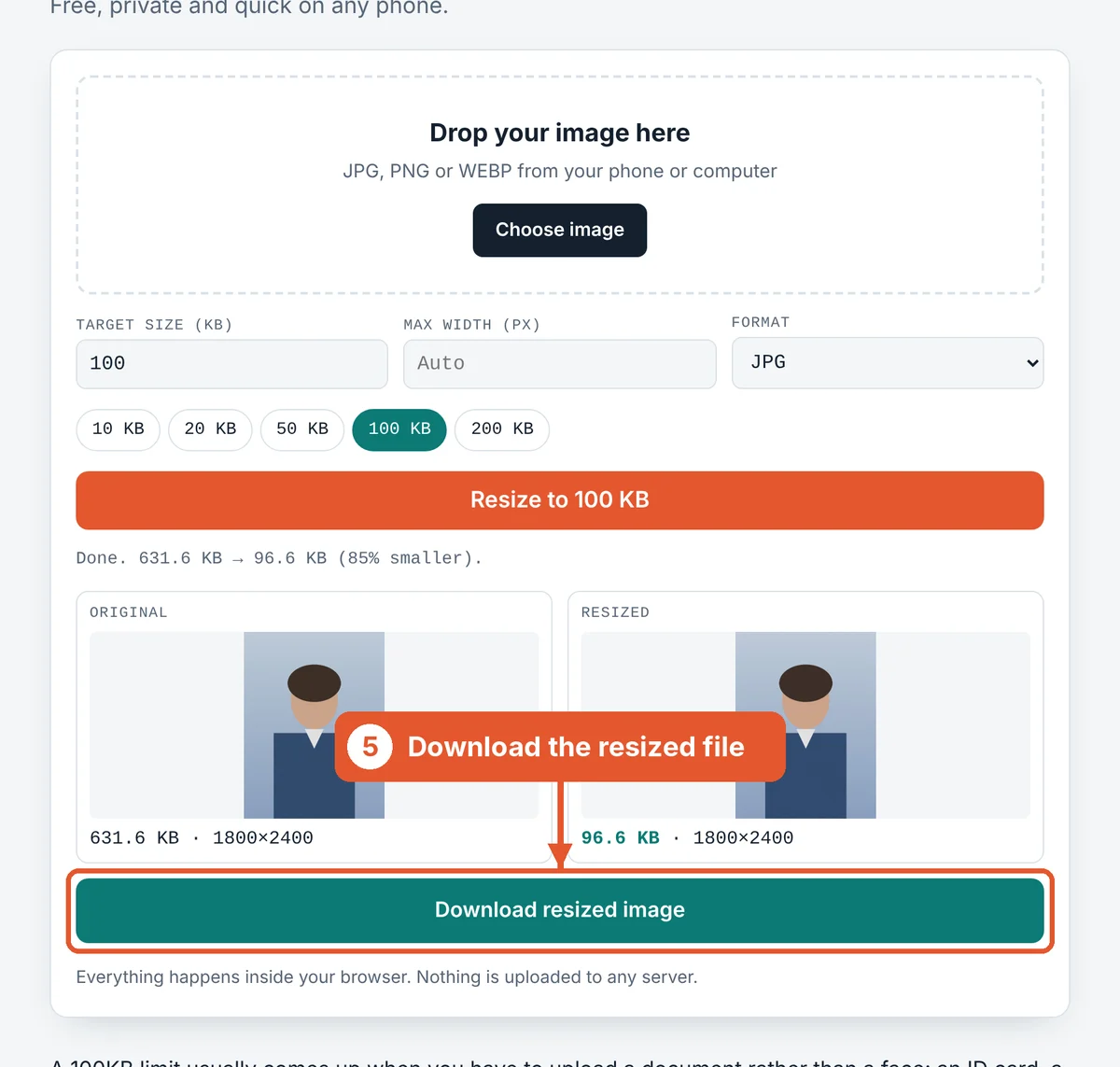
Compare and download
The original and the resized copy appear side by side with their sizes. The new size turns green when it fits. Click Download resized image and upload that file.
How to take a scan that compresses well
Lay the page flat in daylight. Shadows and curled corners add gray areas that cost bytes and hide text.
Fill the frame with the page. A table or bedsheet around the document is wasted space. Crop it out before resizing.
Hold the phone straight above the page. A slanted shot makes the text at the far edge tiny, and that’s the first part to blur.
Frequently asked questions
What is the best size for a document under 100KB?
Around 1000 pixels wide works for most A4 pages. Smaller ID cards look good at 800 pixels.
Can I resize a PDF to 100KB here?
This tool works with images. If you have a PDF, take a screenshot of the page or export it as JPG first, then resize the image.
Will the text still be readable?
Yes, as long as you keep enough width. Set Max width to about 1000 px and check the downloaded file by zooming in on the smallest text.
Does it work offline?
Once the page has loaded, the resizing runs in your browser, so it keeps working even if your connection drops.
Is it free to use?
Yes. There are no limits, no sign-up and no watermarks.
Why not use PNG for documents?
PNG keeps text very sharp but the files are large. At a 100KB limit, a JPG at a sensible width almost always looks better.
Sources and further reading
Related tools
Last reviewed: October 2026