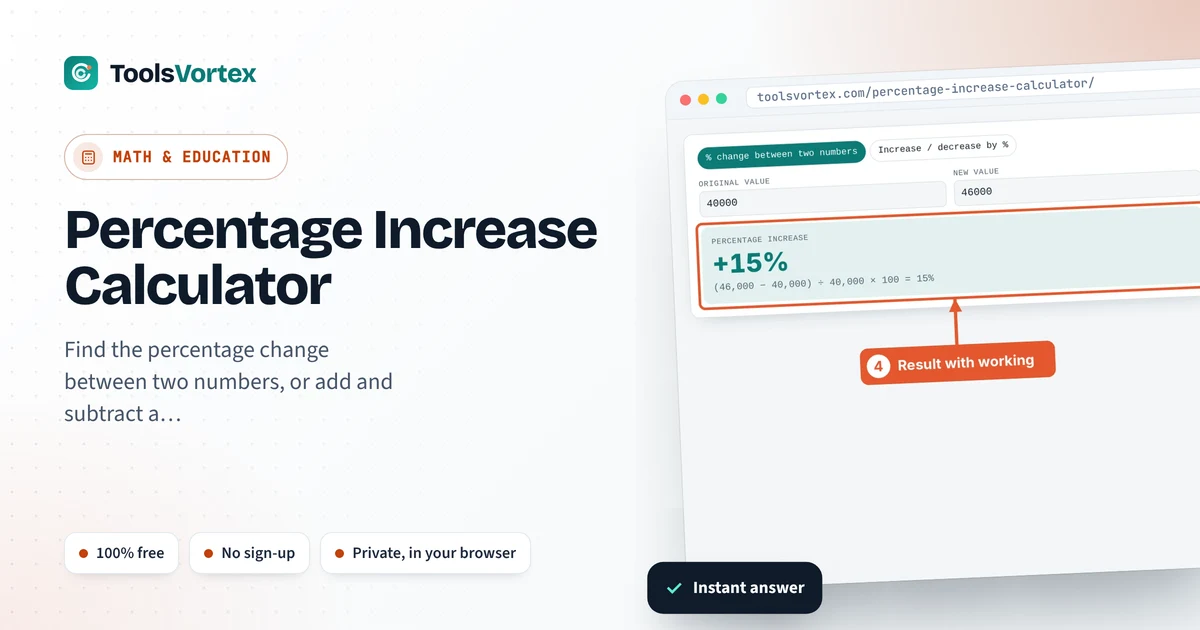
Find the percentage change between two numbers, or add and subtract a percentage from any value. The working is shown every time.

Salary raises, price hikes, exam marks, website traffic and stock prices all get compared as a percentage. The calculation is simple once you know it, but it’s easy to divide by the wrong number. This calculator shows the answer and the full working, and a second mode adds or removes a percentage, which is handy for discounts, tax and markups.
How do I calculate a percentage increase?
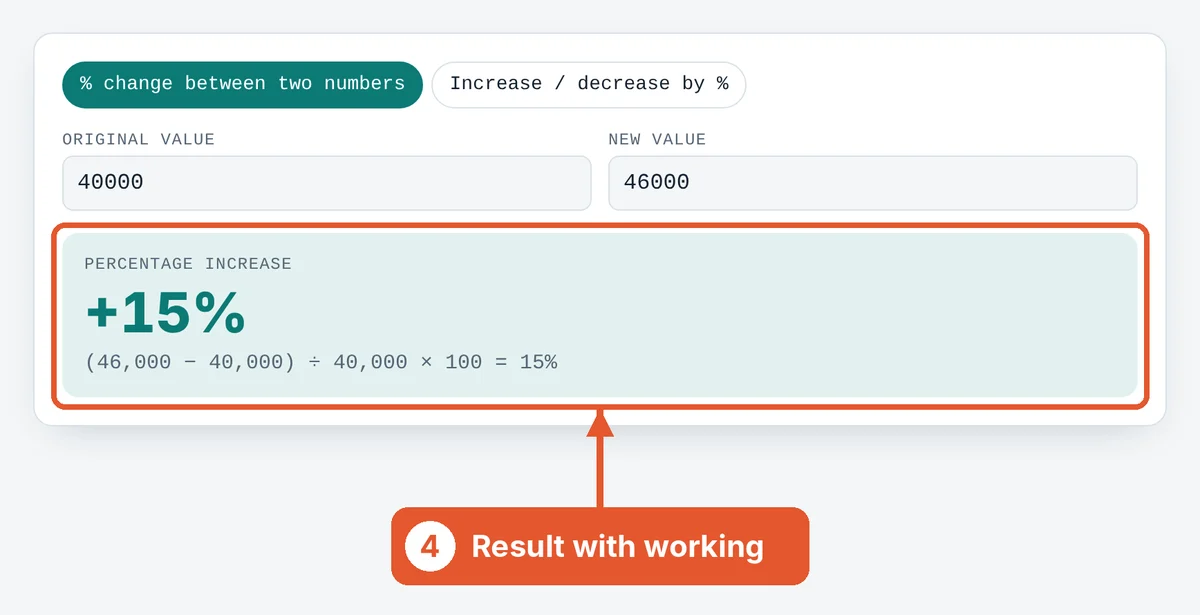
Subtract the original value from the new value, divide by the original value, and multiply by 100. For example, a salary rising from 40,000 to 46,000 is (46,000 − 40,000) ÷ 40,000 × 100 = 15% increase. A negative answer means a decrease.
Percentage change formula
Always divide by the original, or starting, value. Dividing by the new value gives a different answer and is the most common mistake.
Increasing or decreasing by a percentage
Decrease: New = Original × (1 − % ÷ 100)
To add 17% tax to 2,000: 2,000 × 1.17 = 2,340. To take 25% off 2,000: 2,000 × 0.75 = 1,500.
Why a 50% fall needs a 100% rise to recover
If a price drops from 100 to 50, that’s a 50% decrease. Getting back to 100 from 50 is a 100% increase, because the starting point is now smaller. That’s why percentage gains and losses don’t cancel out.
How to use the Percentage Increase Calculator
Pick a mode
Use % change between two numbers to compare old and new values. Use Increase / decrease by % to apply a percentage.
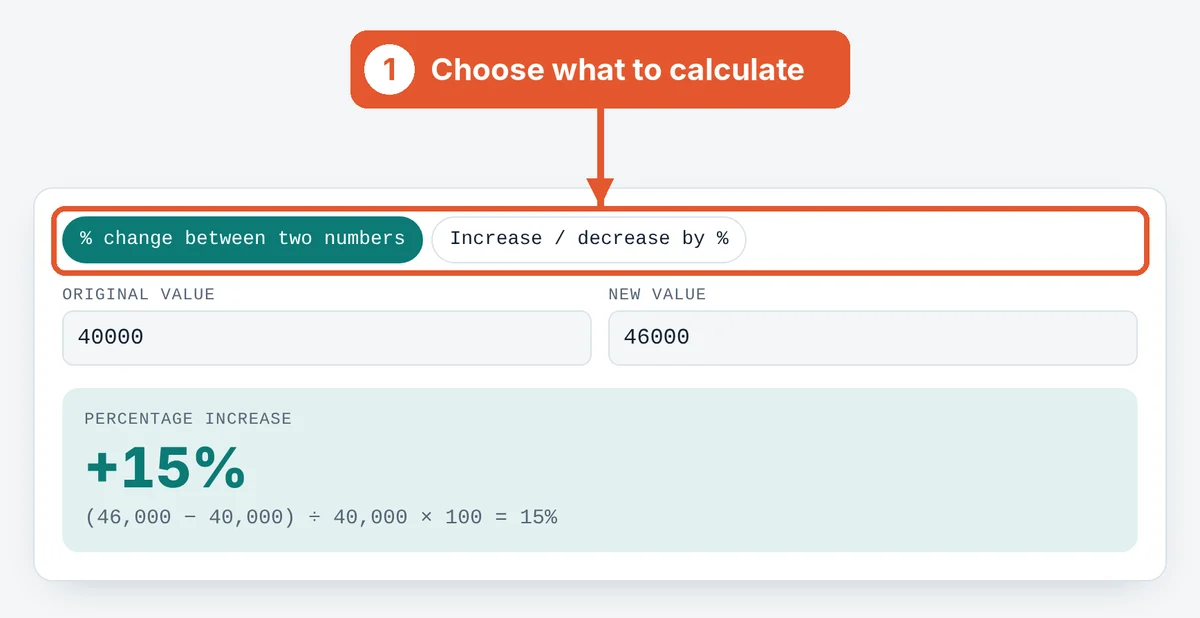
Enter the original value
Type the starting number, such as last year’s salary or the old price.
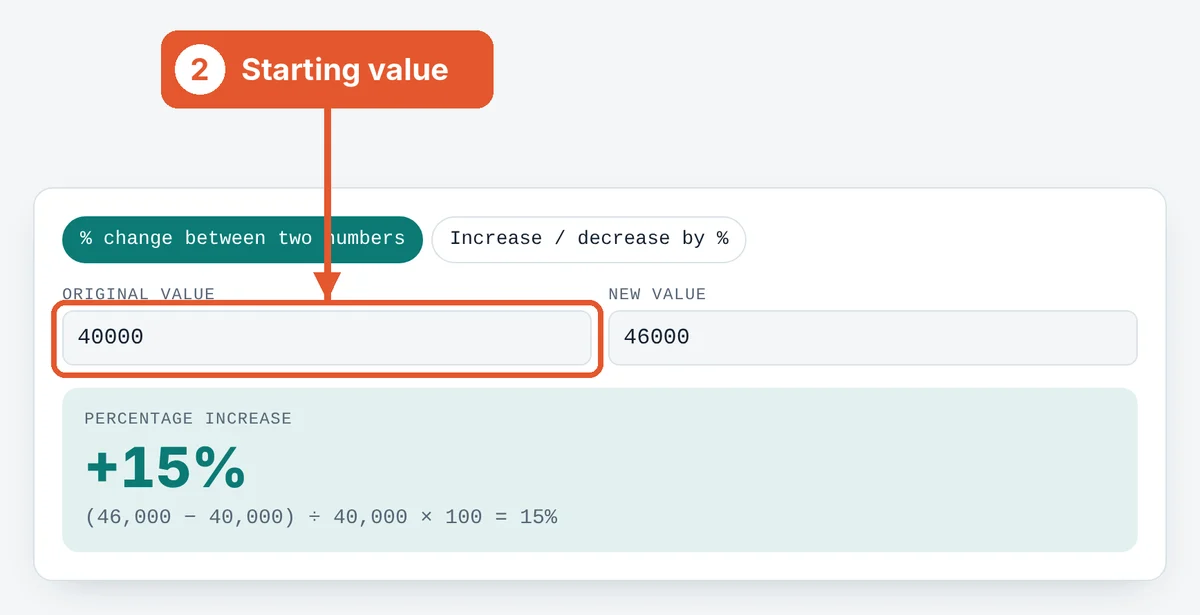
Enter the new value
Type the new number. The result updates as you type.
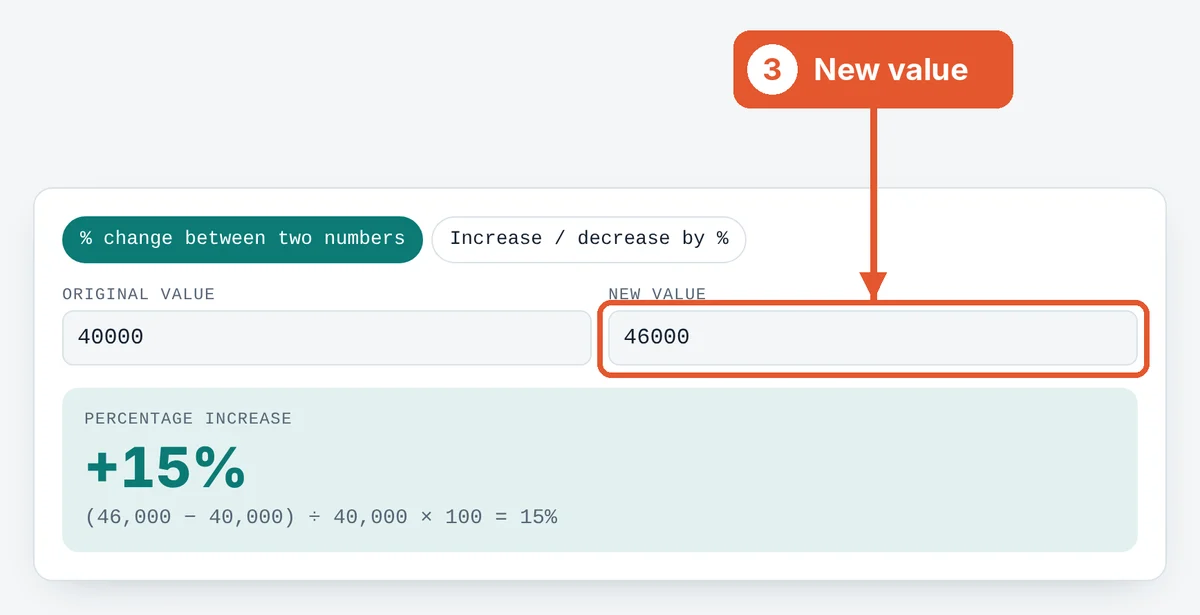
Read the result and working
The percentage change appears with a plus or minus sign, and the full calculation is shown underneath.
Frequently asked questions
How do I calculate a percentage decrease?
Use the same formula. If the new value is smaller, the result is negative, which is a decrease. The calculator labels it for you.
What is the difference between percentage and percentage points?
If interest rises from 10% to 12%, that’s 2 percentage points but a 20% increase. Percentage points measure the gap between two percentages.
Can the increase be more than 100%?
Yes. Going from 50 to 150 is a 200% increase.
How do I reverse a percentage increase?
Divide by (1 + %). If a price after a 20% increase is 1,200, the original was 1,200 ÷ 1.2 = 1,000.
Why can't the original value be zero?
The formula divides by the original value, and dividing by zero has no answer.
Sources and further reading
Related tools
Last reviewed: October 2026