Convert JPG and JPEG images to PNG in your browser, one file or 30 at once. You can also make a white, black or any chosen background transparent, then download each PNG or a single ZIP.
Conversion runs in your browser with the HTML canvas. Nothing is uploaded, and camera metadata such as GPS location is not copied into the PNG.
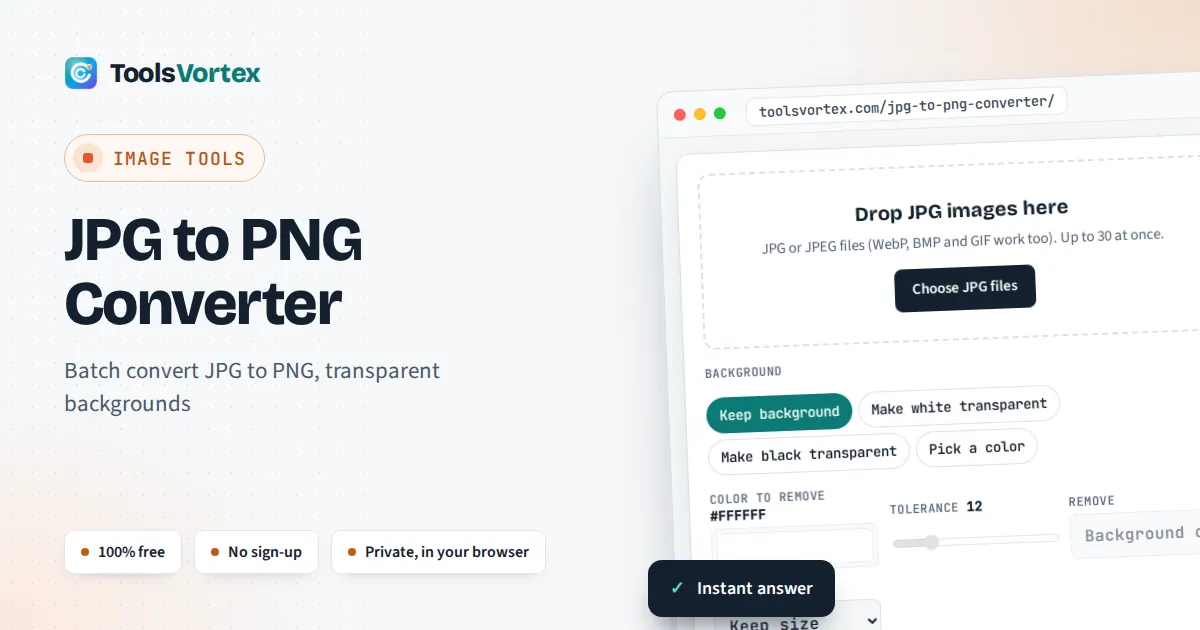
This JPG to PNG converter turns JPG and JPEG images into lossless PNG files for designers, online sellers, students and anyone whose app, template or upload form asks for PNG. It can also clear a plain background to transparency in the same step, which a straight format change never does on its own, and it shows you the size of every file before you download.
How Do I Convert a JPG to PNG?
Add the image to a JPG to PNG converter such as this one and download the PNG it creates. Every pixel is copied exactly, so no more quality is lost, but the file grows: in our tests the PNG was about 4 to 5 times the size of the JPG. Converting alone does not make the background transparent.
How Does the JPG to PNG Conversion Work?
The converter decodes your JPG in the browser, draws its pixels onto an HTML canvas and saves them as a PNG, the lossless format defined in the W3C PNG specification. Nothing is resampled unless you choose a smaller longest side. When you pick a background option, each pixel is also compared with the color you chose:
Fully clear if Difference ≤ Tolerance × 2.55
Partly clear (a soft edge) for the next 12 levels, solid above that
R₀, G₀ and B₀ are the red, green and blue values of the color to remove, from 0 to 255. A tolerance of 12 therefore clears pixels within about 31 levels of pure white, enough to catch the faint grey speckles that JPG compression leaves around edges. The soft band stops the outline from looking jagged. In Background only mode, the tool clears only matching pixels that connect to the edge of the picture, so white details inside a logo or the whites of someone’s eyes stay solid.
Why Is My PNG Bigger Than the JPG?
A PNG is bigger because it keeps every pixel exactly, while JPG was designed to discard detail the eye barely notices. Photos are full of fine grain that lossless compression cannot shrink much. These are real results from this converter in Chrome:
| Image | Pixels | JPG | PNG | Change |
|---|---|---|---|---|
| NASA astronaut portrait | 512 × 512 | 97 KB | 489 KB | 5.0× larger |
| NASA rocket launch | 640 × 427 | 110 KB | 452 KB | 4.1× larger |
| Hubble Deep Field | 1000 × 872 | 516 KB | 2.05 MB | 4.1× larger |
| Flat color logo | 600 × 400 | 12 KB | 56 KB | 4.7× larger |
| Same logo, white made transparent | 600 × 400 | 12 KB | 42 KB | 3.5× larger |
If the PNG is too heavy for an upload form, set the longest side to 1280 or 1024 px before converting, or keep the JPG and bring it under the limit with our resize image to 100KB tool.
How Do You Make a JPG Background Transparent?
Choose Make white transparent (or black, or Pick a color), check the checkerboard preview and adjust the tolerance until the background disappears cleanly. JPG itself cannot store transparency, so the clear areas only exist in the PNG you download.
Worked example: a teal logo on a white background
Our test logo is a 600 × 400 px JPG of 12 KB: a teal ring on white with a white dot in the middle. Converted with Keep background, it becomes a 56 KB PNG with no transparency. With Make white transparent, tolerance 12 and Background only, 70.3% of the pixels turn clear, the white centre dot stays solid, and the PNG is 42 KB. Switch Remove to Every match and 72.4% of the pixels clear, including the centre dot, which now shows the page behind it. For logos with white lettering inside, Background only is the safer choice.
When Should You Use PNG Instead of JPG?
Use PNG for logos, icons, screenshots, diagrams and images with text, and for any picture that needs a transparent background or will be edited and saved many times. Keep JPG for ordinary photos, where it gives a far smaller file at a quality nobody can tell apart.
Some official uploads specify the format. In the UK, a digital photo for a visa application must be a jpg or jpeg file of at least 600 × 750 pixels and between 50KB and 6MB, and it must not be altered by computer software, according to GOV.UK. So do not convert an ID photo to PNG or remove its background: if it is simply too large, use our resize image to 50KB tool instead. When a page layout needs an image at a fixed shape, our aspect ratio calculator gives the exact pixel size.
How Do You Use the JPG to PNG Converter?
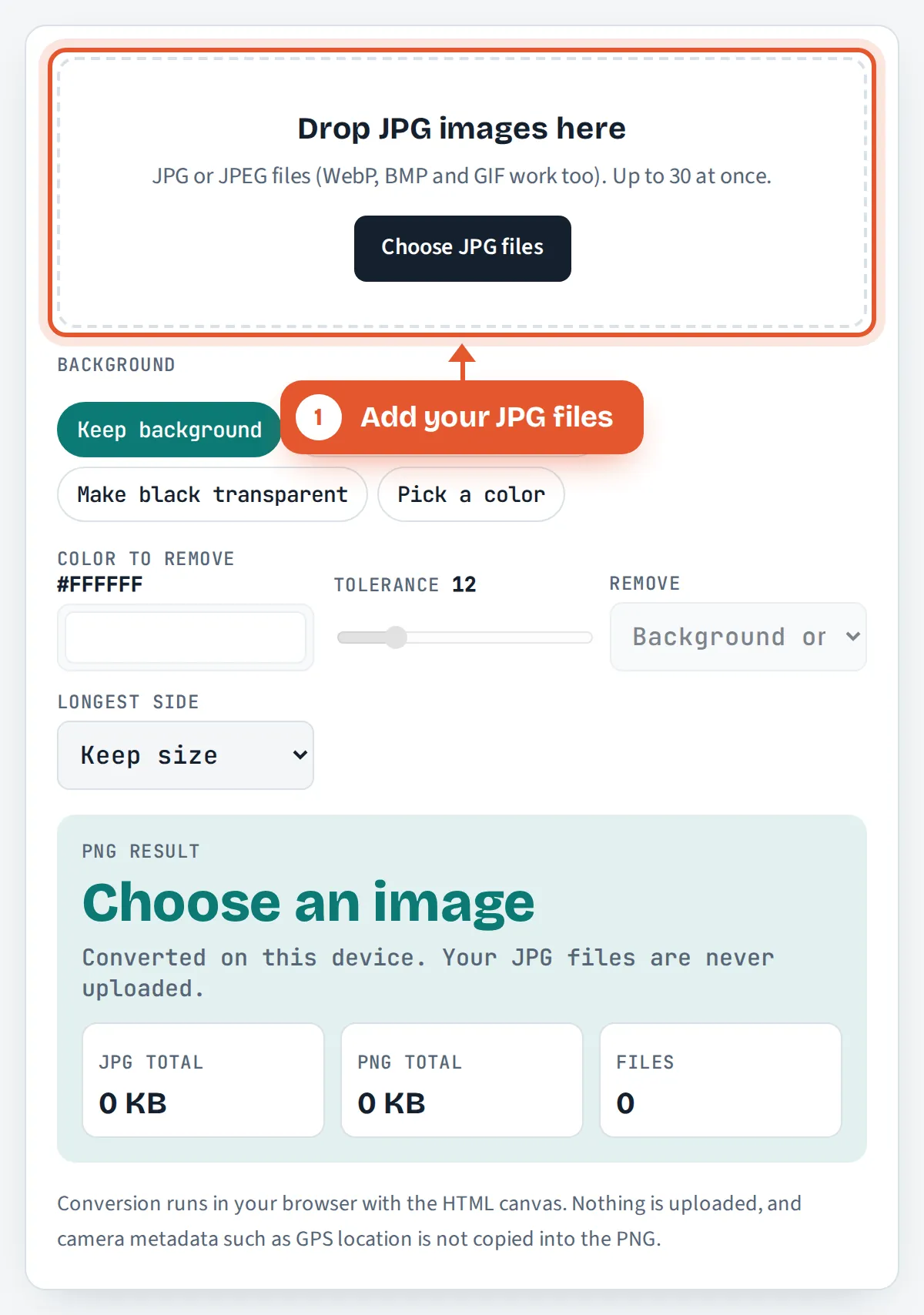
Add your JPG files
Drop up to 30 JPG or JPEG images on the box, tap Choose JPG files, or paste an image you have copied.

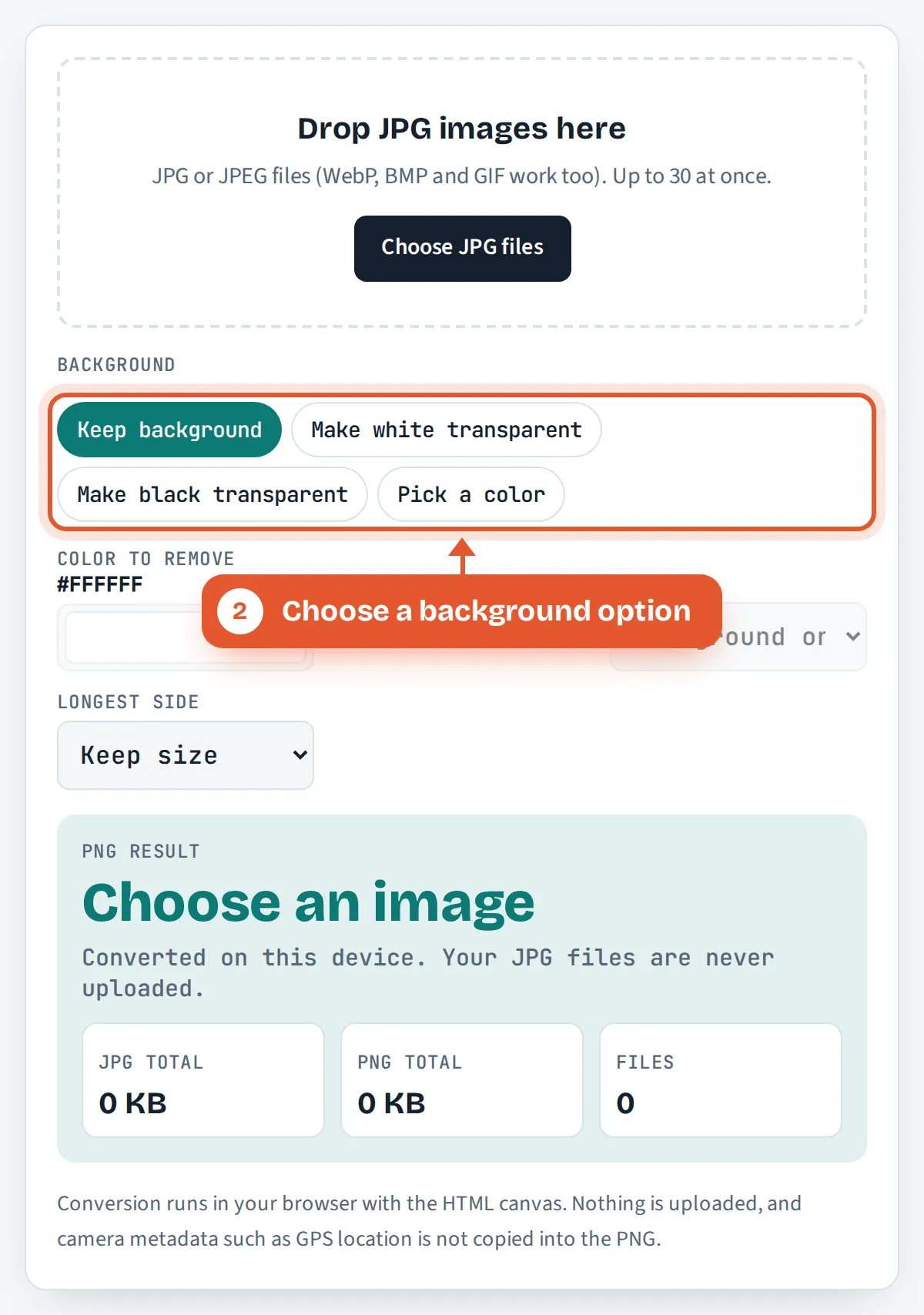
Choose a background option
Leave Keep background for a straight conversion, or make white, black or a color you pick transparent.
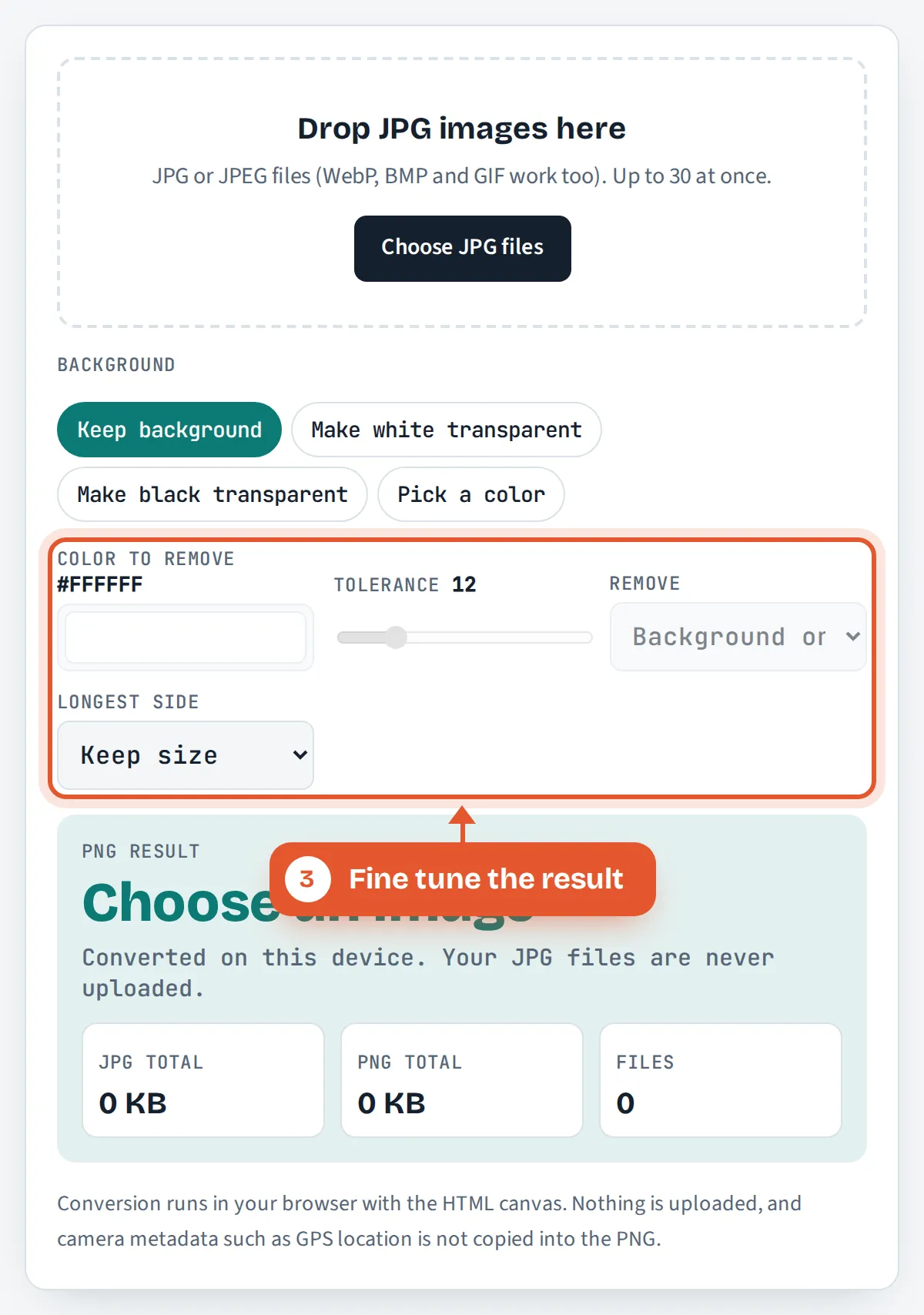
Fine tune the result
Raise the tolerance if specks remain, choose Background only or Every match, and set a longest side to keep files smaller.
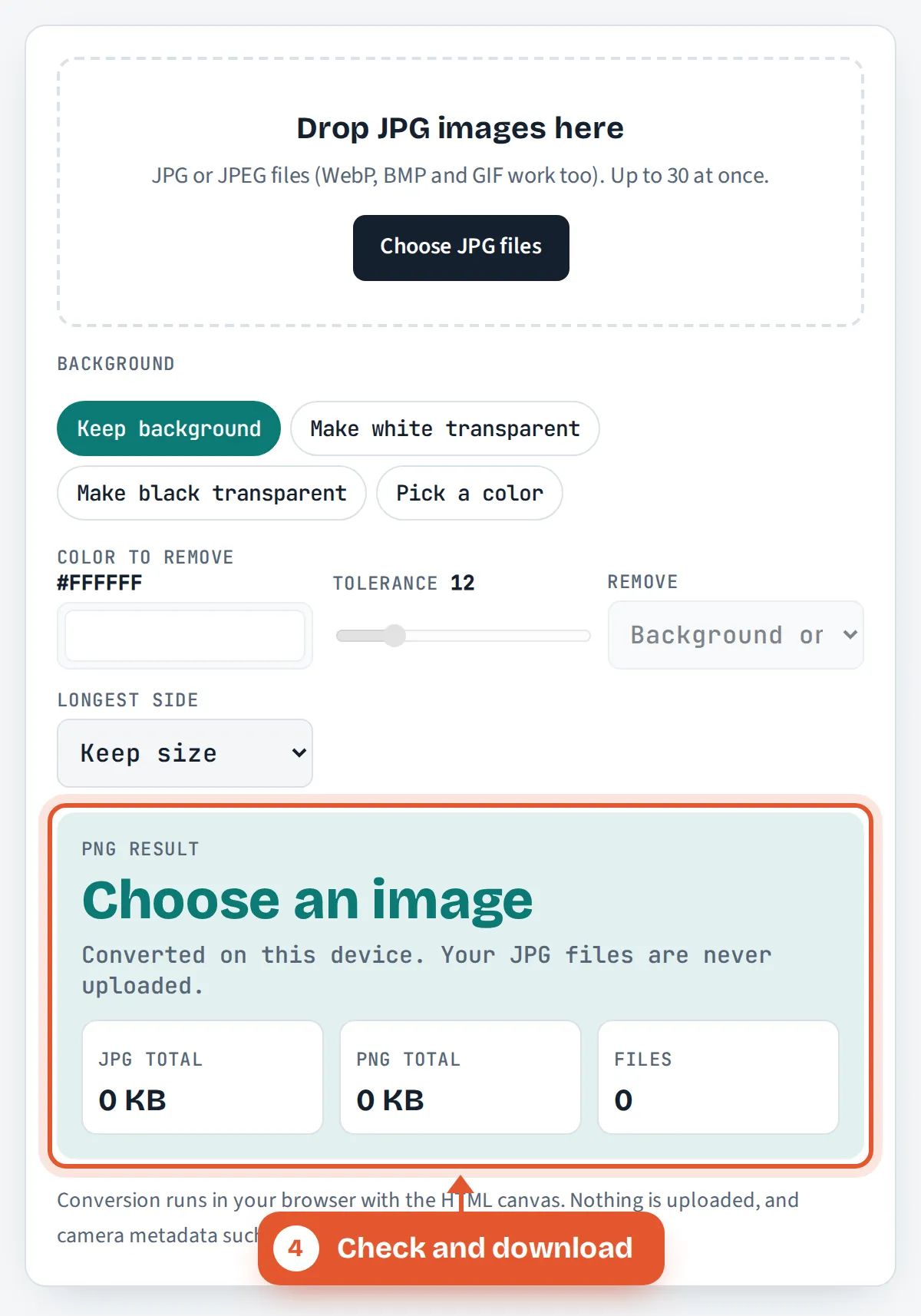
Check and download
Compare the JPG and PNG previews and sizes, then download one PNG or every file in a single ZIP.
Frequently Asked Questions
Is this JPG to PNG converter free and private?
Yes. It is free with no sign up, watermark or file count limit beyond 30 per batch. Conversion happens inside your browser using the HTML canvas, so your JPG files are never uploaded to ToolsVortex or any other server.
Does converting JPG to PNG lose quality?
No further quality is lost, because PNG stores every pixel exactly. It also cannot add back detail that JPG compression removed earlier, so a blurry or blocky JPG stays the same in PNG. Start from the best original you have.
What is the difference between JPG and JPEG?
There is none. JPG and JPEG are two file extensions for the same JPEG image format, which uses the same image/jpeg media type. Some cameras and apps also save .jfif files, which are JPEG too and convert here in the same way.
Why is my PNG so much larger than the JPG?
PNG is lossless, so it must store the fine noise and detail in a photo that JPG was allowed to discard. In our tests, PNG copies of photos were about 4 to 5 times the size of the JPG. Graphics with flat colors grow much less.
Can I remove the background from a photo of a person?
Only if the background is a plain, even color. The tool removes one chosen color within a tolerance, which works well for logos, icons and product shots on white. Busy or shaded backgrounds in portraits need a dedicated cut out tool.
Can I convert JPG to PNG on an iPhone or Android phone?
Yes. Open this page in Safari, Chrome or any modern mobile browser, tap Choose JPG files and pick photos from your gallery. The PNGs are created on the phone and saved to your Downloads or Files app when you tap Download.
Sources and Further Reading
- Portable Network Graphics (PNG) Specification, Third Edition, W3C
- JPEG, Wikipedia
- Take a photo of your face for a visa application, GOV.UK
Related Tools
Last reviewed: October 2026