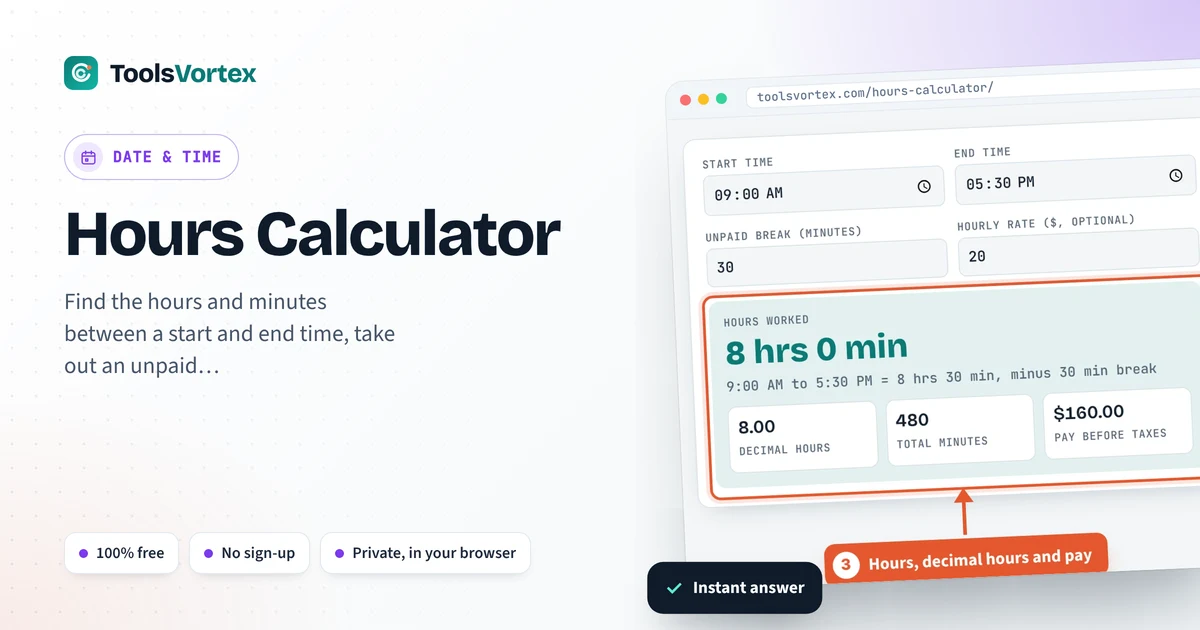
Find the hours and minutes between a start and end time, take out an unpaid break, and get decimal hours and pay. Overnight shifts work too.

Payroll systems want decimal hours, but your shift is written down as clock times like 7:45 AM to 4:15 PM. Converting one into the other in your head is where mistakes creep in, especially once a lunch break comes out. This hours calculator takes a start time and an end time, subtracts the unpaid break, and gives you the result in hours and minutes and as a decimal. If the end time is earlier than the start, it assumes you worked past midnight. Add your hourly rate and you’ll see the pay for that shift as well.
How do I calculate hours worked?
Subtract the start time from the end time, then subtract any unpaid break. To turn the minutes into a decimal, divide them by 60. For example, 8:00 AM to 4:45 PM is 8 hours 45 minutes. Take off a 30-minute lunch and you’ve worked 8 hours 15 minutes, or 8.25 hours. At $22 an hour that shift pays $181.50 before taxes.
Hours worked formula
Decimal hours = hours + (minutes ÷ 60)
Pay = decimal hours × hourly rate
For an overnight shift, add 24 hours to the end time before subtracting. A 10:00 PM to 6:30 AM shift is 8 hours 30 minutes, or 8 hours even after a 30-minute break.
Minutes to decimal hours
| Minutes | Decimal | Minutes | Decimal |
|---|---|---|---|
| 5 | 0.08 | 30 | 0.50 |
| 10 | 0.17 | 40 | 0.67 |
| 15 | 0.25 | 45 | 0.75 |
| 20 | 0.33 | 50 | 0.83 |
Which breaks are unpaid?
Under the federal Fair Labor Standards Act, short rest breaks of about 5 to 20 minutes count as work time and are paid. A real meal break, usually 30 minutes or longer where you’re fully off duty, doesn’t have to be paid. Federal law doesn’t require employers to give breaks at all, but several states do. Non-exempt workers also earn overtime at 1.5 times their regular rate for hours over 40 in a workweek, so add up your days before you check a paycheck.
How to use the Hours Calculator
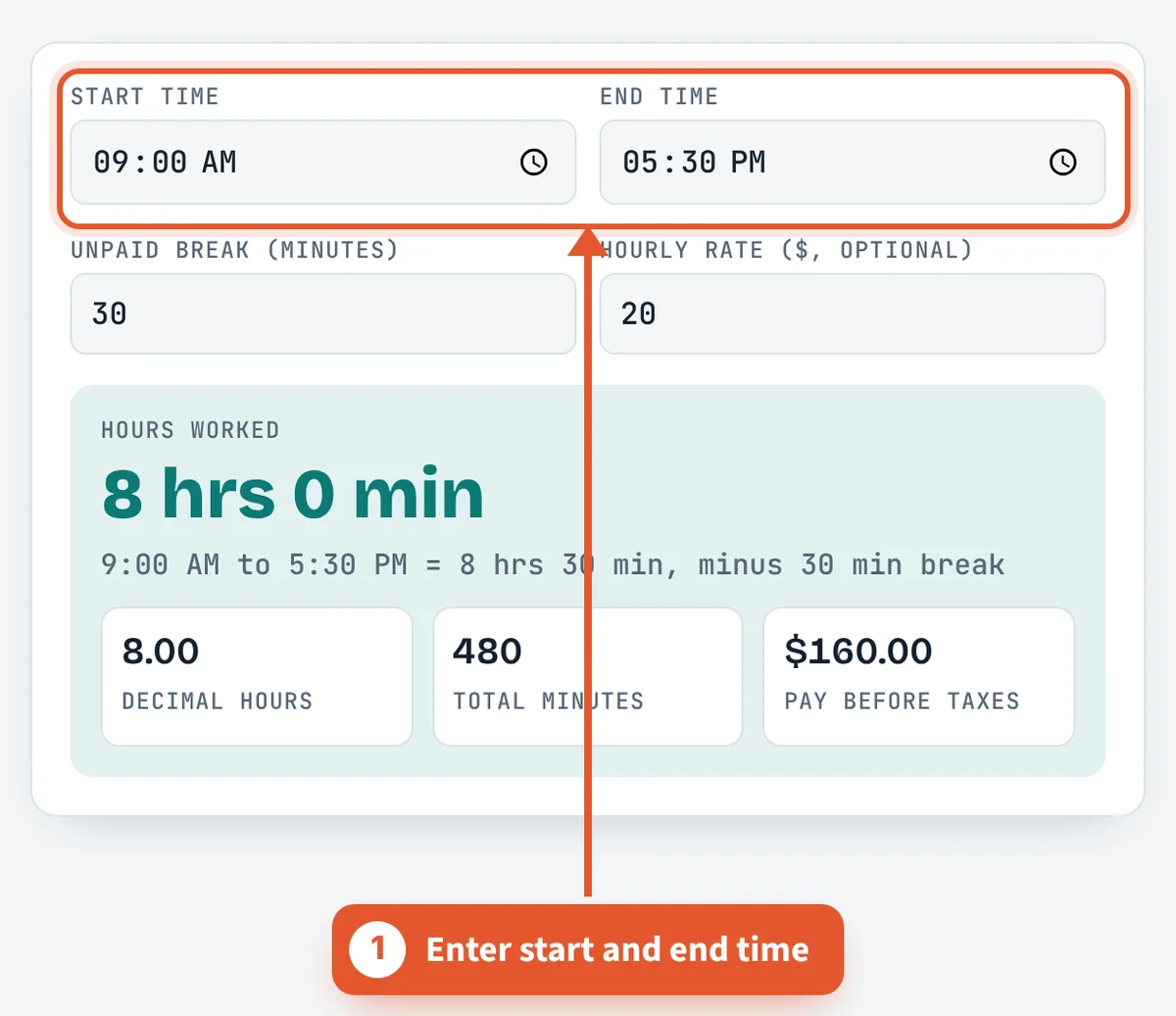
Enter your start and end time
Type or pick the clock-in and clock-out times. If the end is earlier than the start, the shift is treated as overnight.

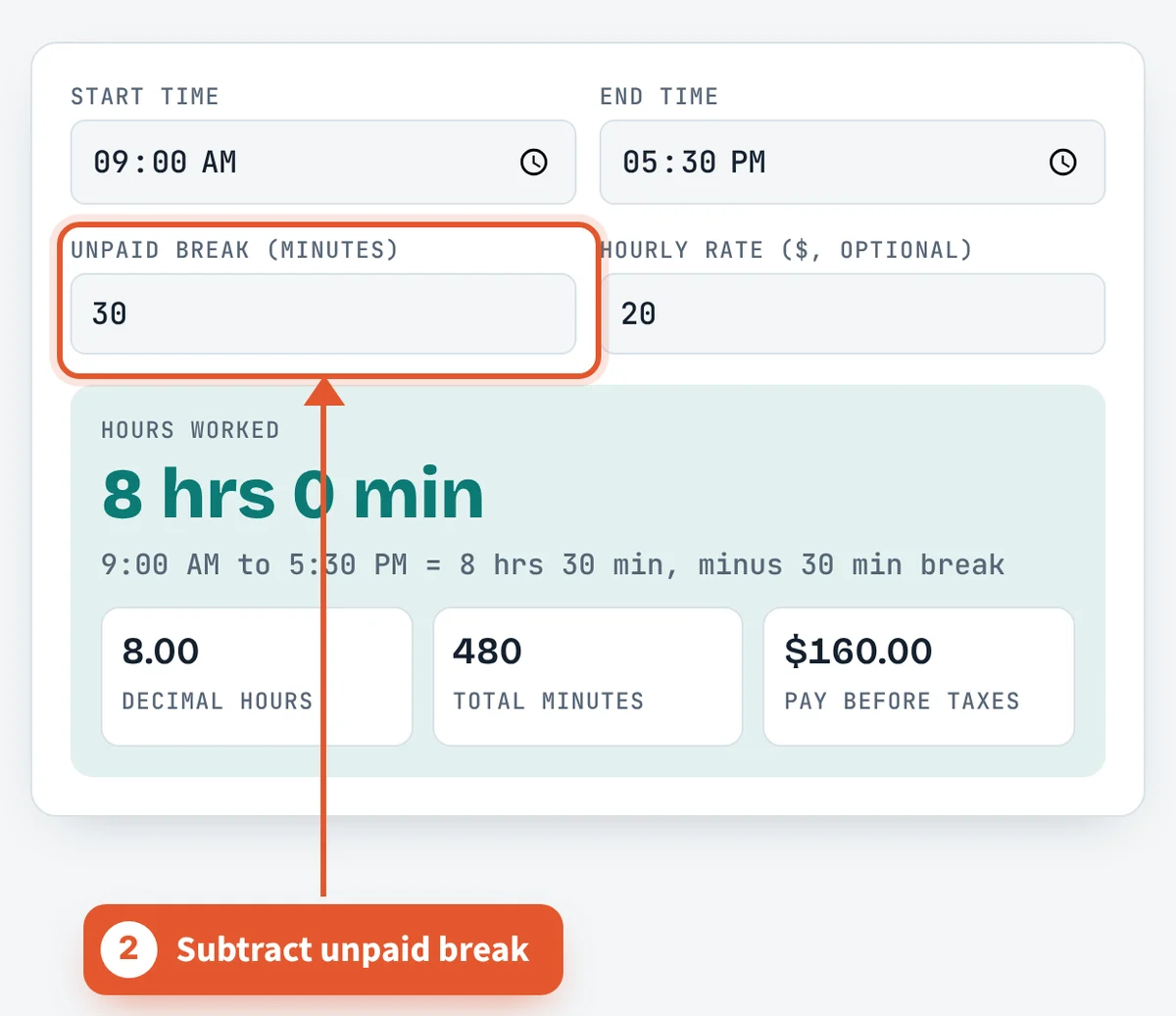
Subtract the unpaid break
Enter the unpaid break in minutes, like 30 for lunch. Leave it at 0 if your breaks are paid.
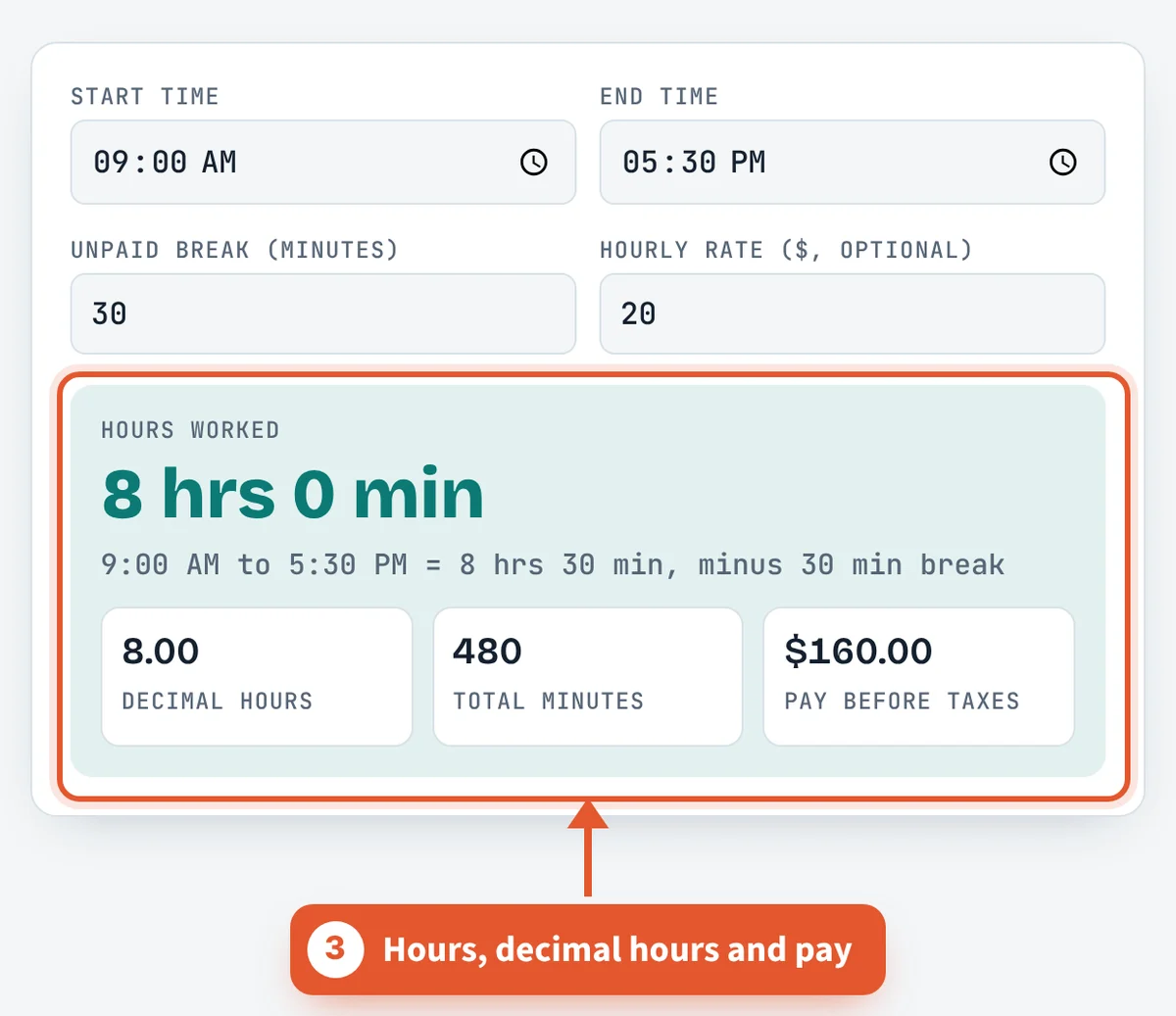
Read hours and pay
See hours and minutes, decimal hours, total minutes, and pay if you entered an hourly rate.
Can an employer round your clock-in and clock-out times?
Yes, within limits. The Fair Labor Standards Act (FLSA) requires pay for all hours worked, but the US Department of Labor allows rounding under 29 CFR 785.48. Employers may round start and stop times to the nearest 5 minutes, tenth of an hour, or quarter hour, as long as the policy averages out so that employees are fully paid for the time they actually work over a period.
A common quarter-hour practice is the 7-minute rule: 1 to 7 minutes past the mark rounds down, 8 to 14 minutes rounds up. Clocking in at 8:07 counts as 8:00, while 8:08 counts as 8:15.
Rounding is not allowed if it only ever favors the employer, such as always rounding clock-in times up and clock-out times down. The Wage and Hour Division of the Department of Labor investigates these complaints.
When you check your own pay, total the exact punches here, then compare with your employer’s rounded figures. The time card calculator handles a full week of punches, and the minutes to hours converter turns leftover minutes into the decimal hours payroll uses.
When do weekly hours turn into overtime pay?
Under the FLSA, covered nonexempt employees earn at least 1.5 times their regular rate of pay for hours over 40 in a workweek. The law defines a workweek as a fixed, regularly recurring period of 168 hours, or seven consecutive 24-hour periods. It can start on any day and hour, but it cannot be changed to dodge overtime.
Each workweek stands alone. An employee who works 50 hours one week and 30 the next is owed 10 overtime hours, even though the two weeks average 40. Federal law also has no daily overtime rule, so a 12-hour shift alone does not trigger it.
States can add stricter rules. California, for example, requires overtime after 8 hours in a workday as well as after 40 in a week, and double time after 12 hours in a day.
Employers must also keep records. Federal rules in 29 CFR Part 516 require payroll records to be kept for at least 3 years and time cards for 2 years.
Once you know your weekly total, the overtime calculator works out the extra pay.
Frequently asked questions
How do I convert minutes to decimal hours?
Divide the minutes by 60. So 15 minutes is 0.25 hours, 20 minutes is about 0.33 and 45 minutes is 0.75.
Does the hours calculator handle overnight shifts?
Yes. When the end time is earlier than the start time, it adds 24 hours, so 11:00 PM to 7:00 AM comes out as 8 hours.
Should I subtract my lunch break?
Only if it’s unpaid. A meal break of 30 minutes or more where you’re fully relieved is usually unpaid, while short rest breaks are paid under federal rules.
How many hours is 9 to 5?
9:00 AM to 5:00 PM is 8 hours. With a 30-minute unpaid lunch, it’s 7.5 paid hours.
Can I add up a whole week?
This tool does one shift at a time. For a full week of days, the time card calculator adds them together and flags overtime.
Sources and further reading
- Fact Sheet #22: Hours Worked Under the FLSA, U.S. Department of Labor
- Breaks and Meal Periods, U.S. Department of Labor
Related tools
Last reviewed: October 2026