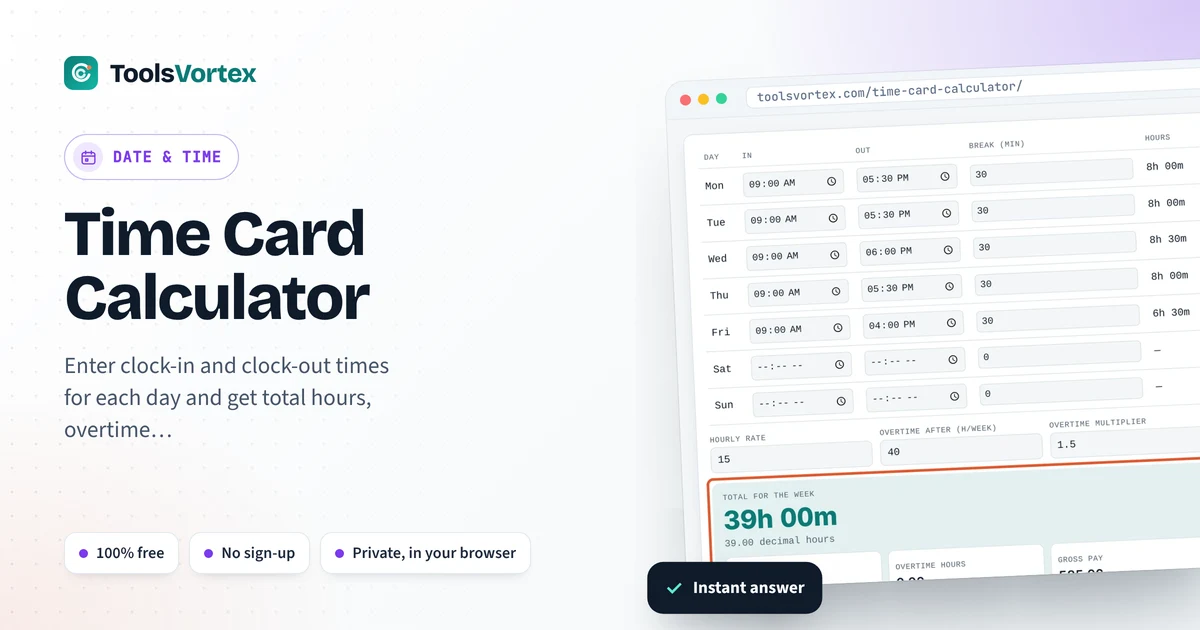
Enter clock-in and clock-out times for each day and get total hours, overtime and pay for the week. Overnight shifts work too.
| Day | In | Out | Break (min) | Hours |
|---|

Adding up a week of clock-in and clock-out times by hand means juggling minutes that don’t divide neatly into hours, then subtracting breaks and splitting off overtime. This time card calculator does all of it. Fill in each day and you get total hours, decimal hours for payroll, overtime and gross pay.
How do I calculate hours worked on a time card?
For each day, subtract the clock-in time from the clock-out time and take away unpaid breaks. Add the days together for the weekly total. To get decimal hours for payroll, divide the minutes by 60, so 7 hours 30 minutes becomes 7.5 hours.
Converting minutes to decimal hours
| Minutes | Decimal |
|---|---|
| 15 min | 0.25 |
| 20 min | 0.33 |
| 30 min | 0.50 |
| 45 min | 0.75 |
| 50 min | 0.83 |
Payroll systems multiply decimal hours by the hourly rate. Writing 7:30 as 7.30 is a common mistake that underpays by 12 minutes every day.
How overtime is worked out
Pay = regular hours × rate + overtime hours × rate × multiplier
Many employers pay 1.5 times the normal rate after 40 hours a week, but the threshold and multiplier depend on your contract and local labor law. Both are editable here.
How to use the Time Card Calculator
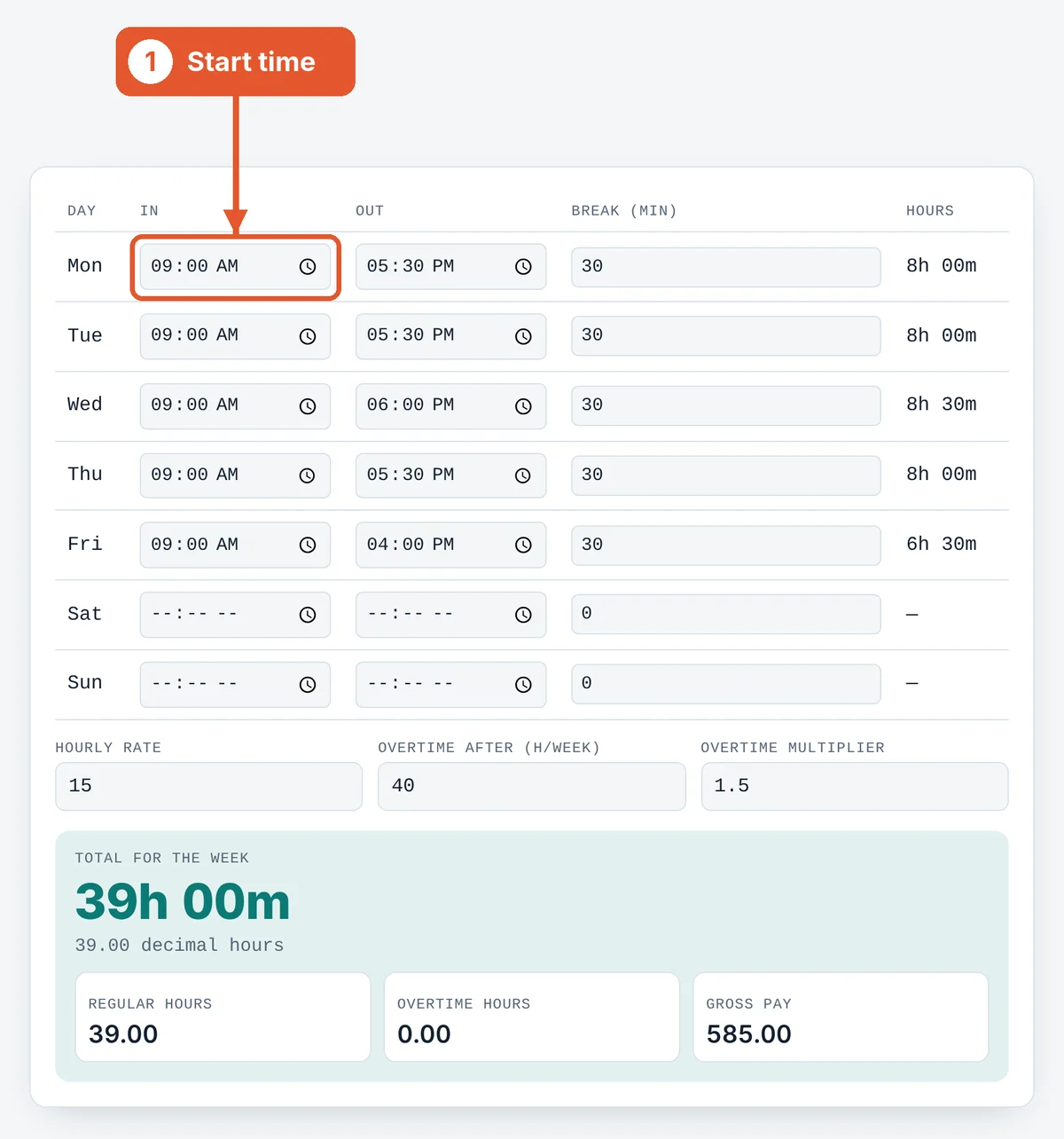
Enter clock-in times
Type the start time for each day you worked. Leave days off blank.
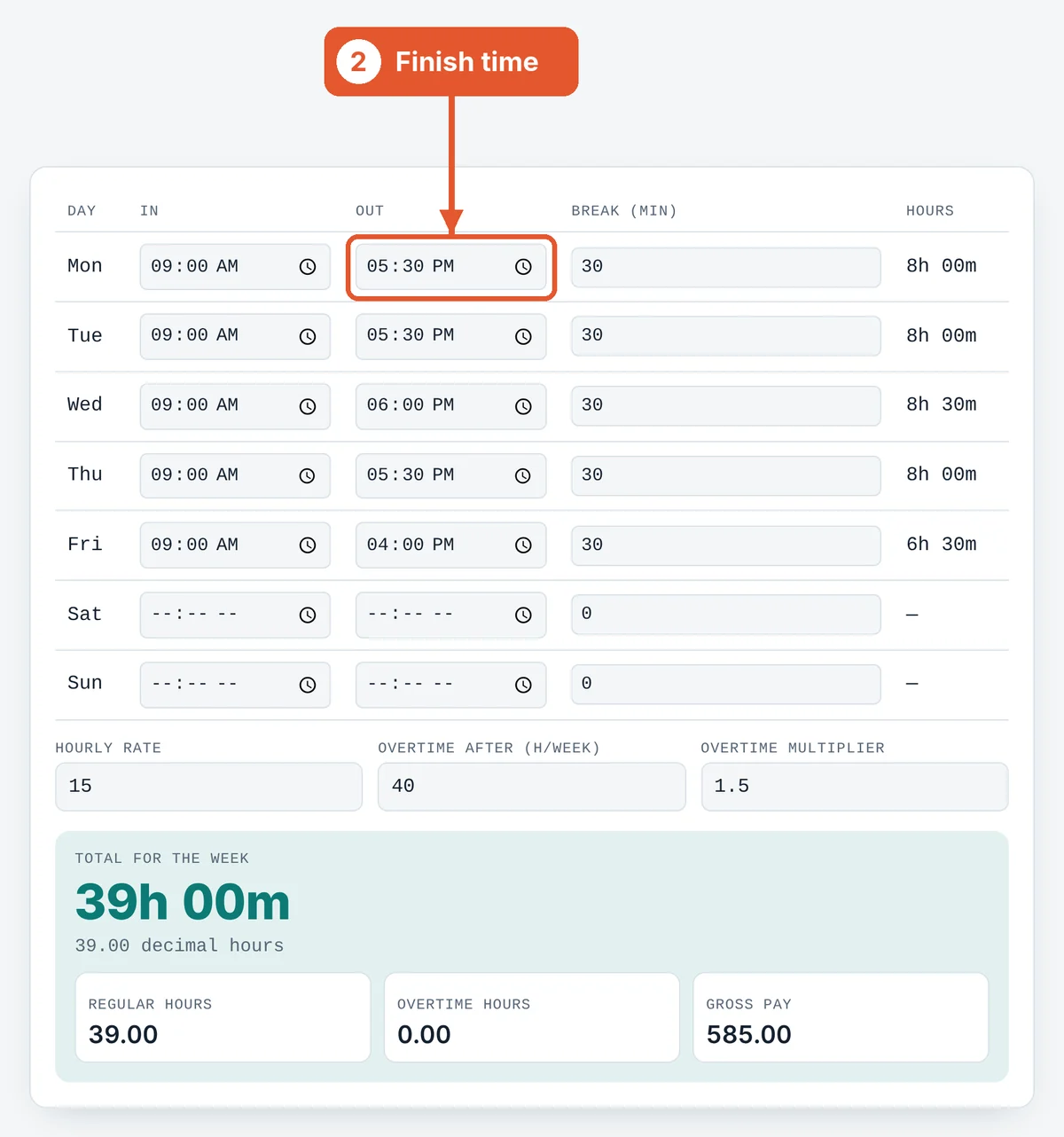
Enter clock-out times
Type the finish time. Shifts that end after midnight are handled automatically.
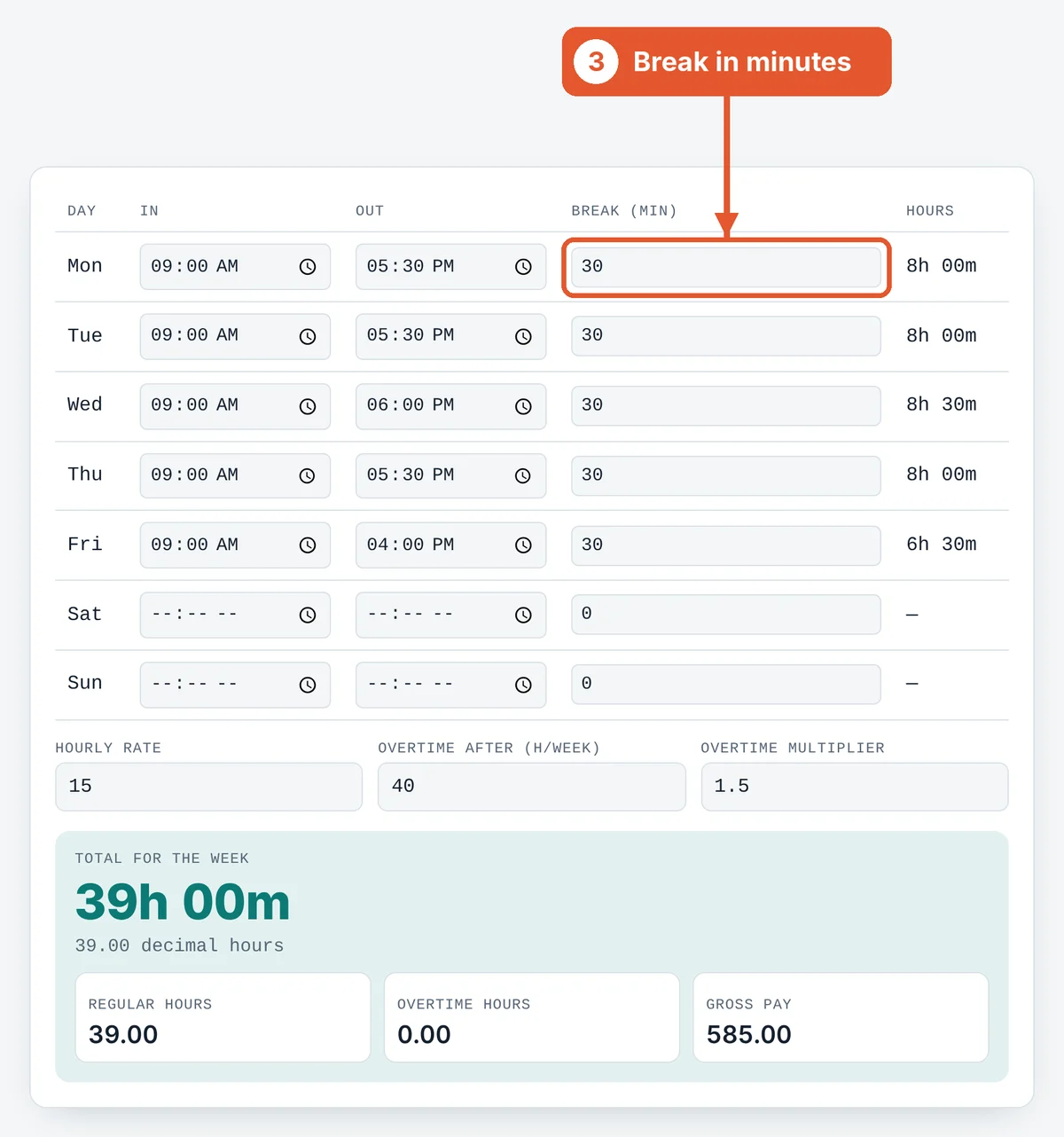
Add unpaid breaks
Type the unpaid break in minutes, for example 30 for lunch.
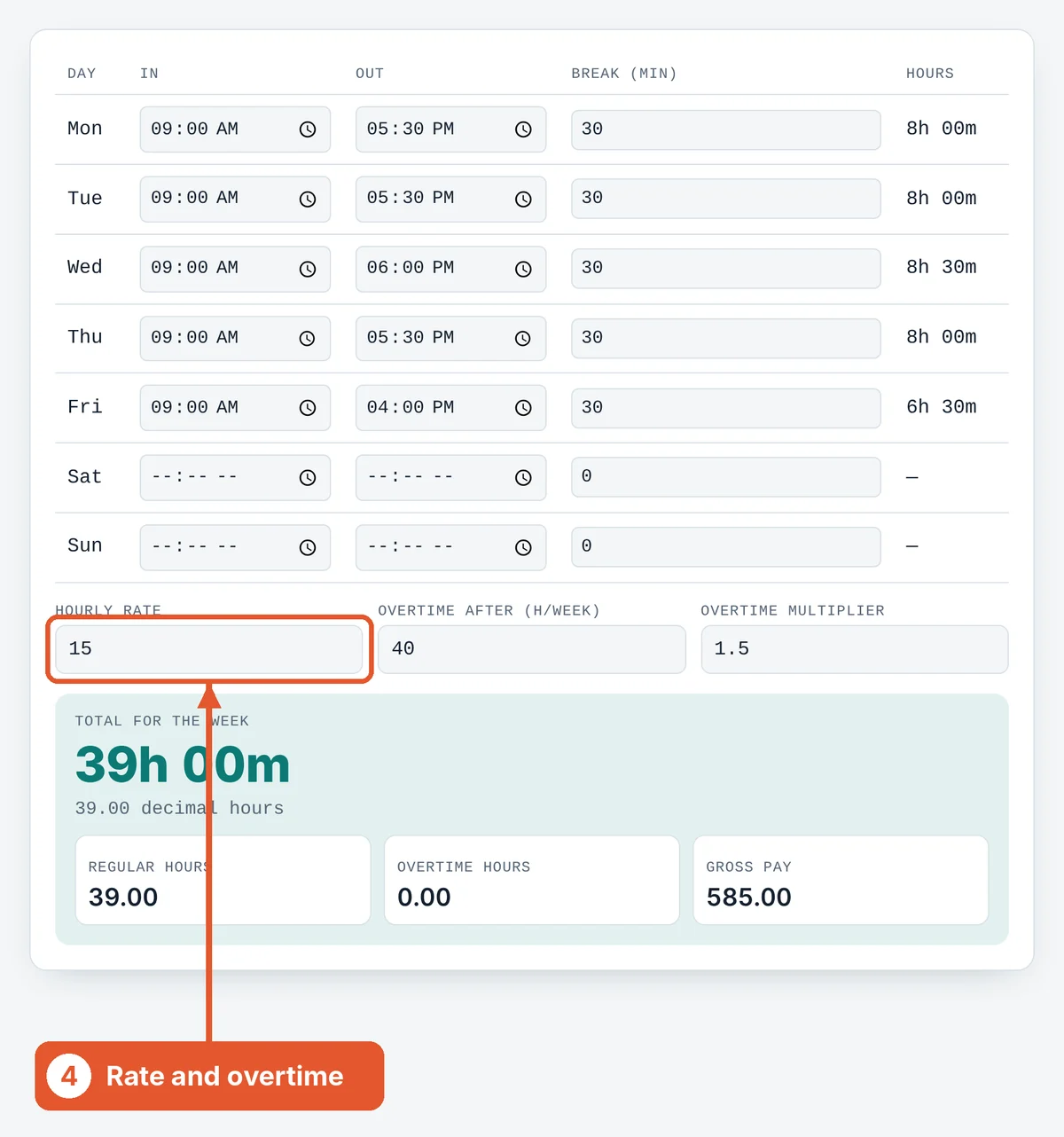
Set rate and overtime
Enter your hourly rate and when overtime starts. Change the multiplier if your overtime isn’t time-and-a-half.
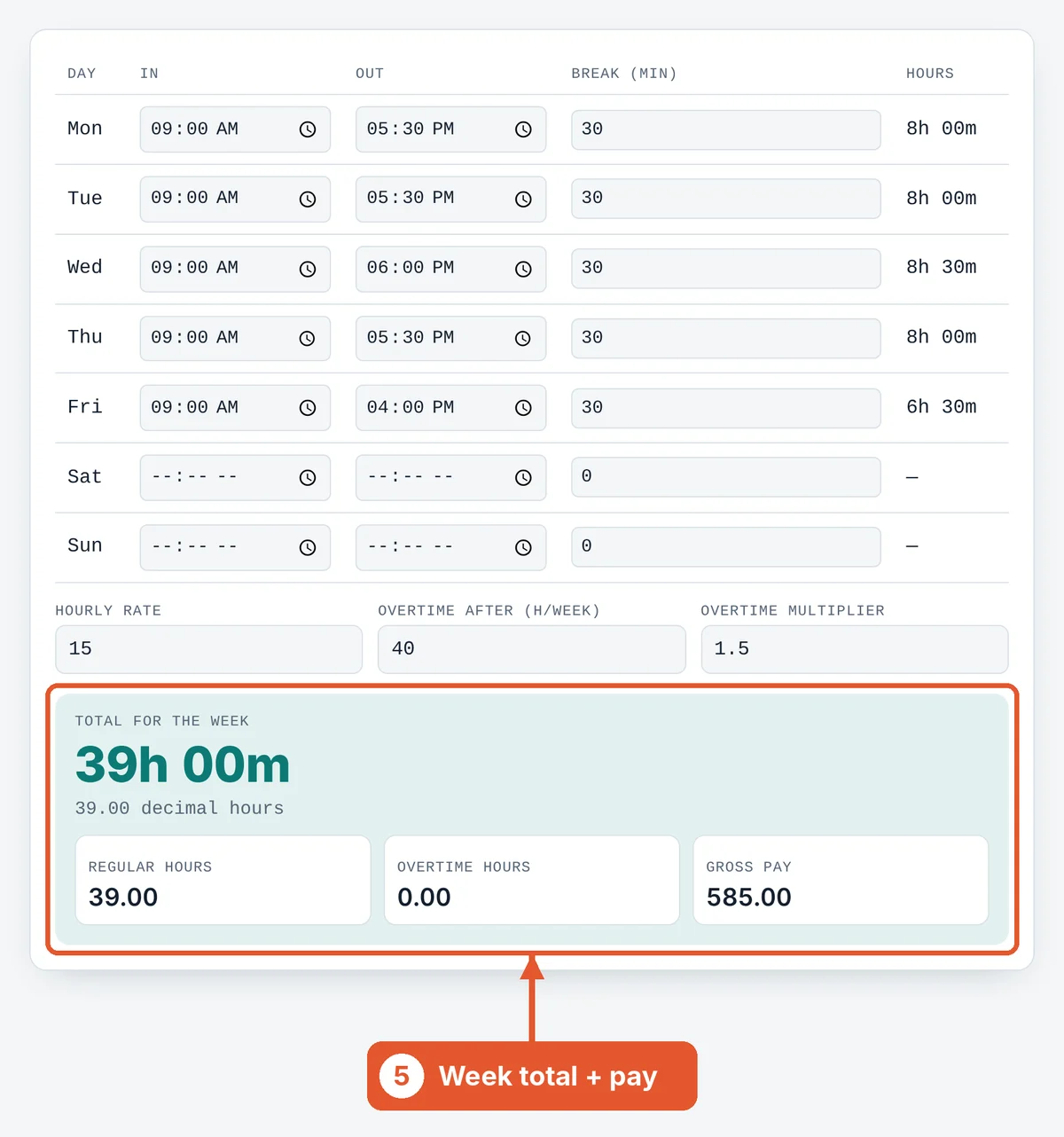
Read the totals
The weekly total shows in hours and minutes, with decimal hours, regular and overtime hours and gross pay.
Frequently asked questions
How do I handle a night shift that ends after midnight?
Just enter the times as they are, for example 22:00 to 06:00. The calculator adds 24 hours when the end time is earlier than the start.
What is 8 hours 45 minutes in decimal?
8 hours 45 minutes is 8.75 decimal hours.
Are breaks paid?
That depends on your employer. Enter only unpaid breaks in the break column.
Can I use this for a two-week pay period?
Calculate each week separately and add the totals, because overtime is usually counted per week.
Is my data saved?
No. Everything stays in your browser and is cleared when you close the page.
Sources and further reading
Related tools
Last reviewed: October 2026